

MCP Servers
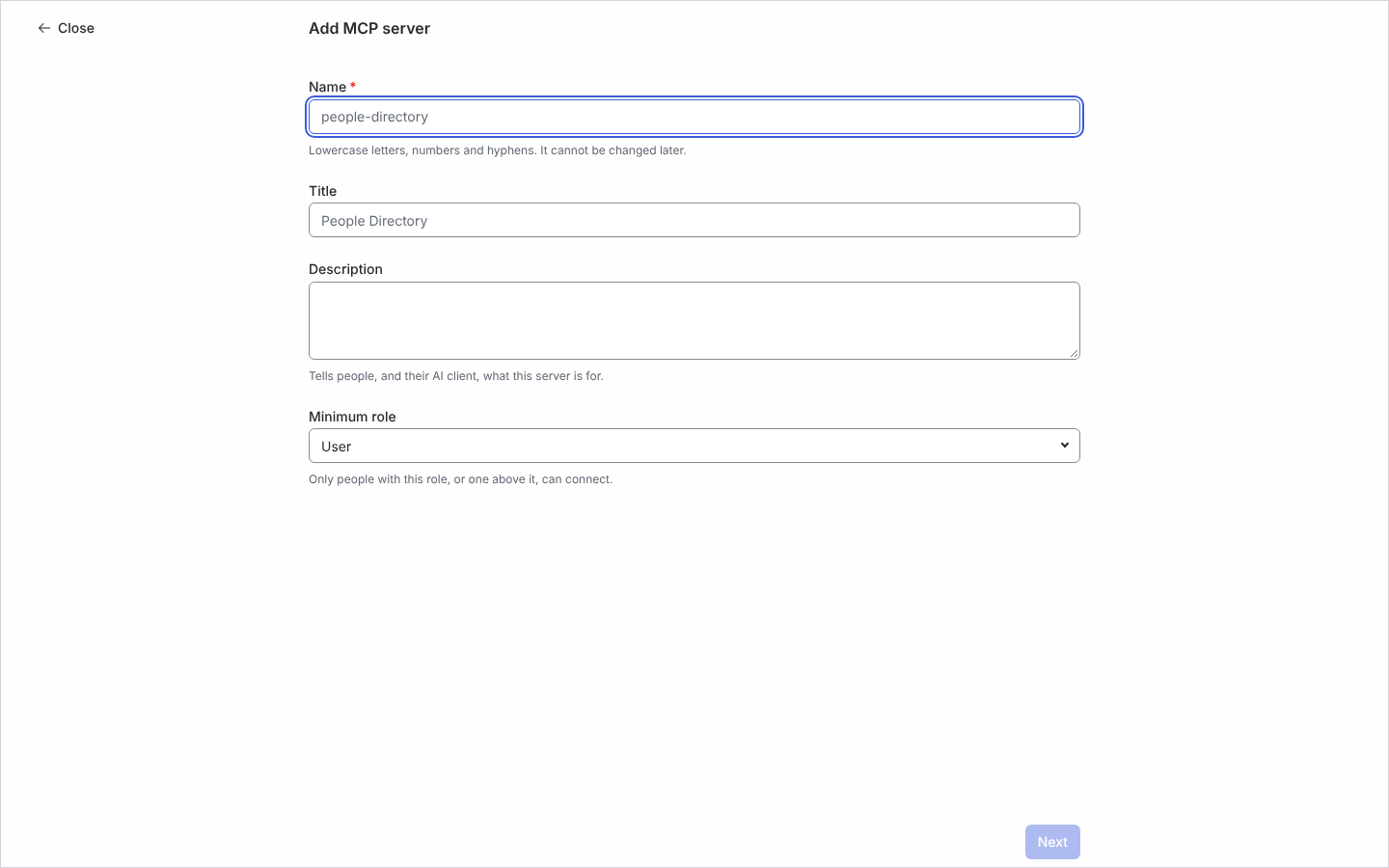
An MCP server is an address an AI client connects to so it can call a set of Pyn operations you have chosen, such as searching the directory or enrolling a new starter in a flow. Servers live under AI, Agents, MCP Servers. Each server has a name, a title and description the client shows, a Minimum role, and up to 100 operations. Offering an operation never grants access: whoever connects can call only what their own Pyn role already allows, and the same check runs on every call.
What you can do here
Section titled “What you can do here”- Add an MCP server and pick its operations, or start from a preset such as People Directory or Onboarding Coordinator
- Connect an AI client such as Claude, Claude Code or ChatGPT with the server’s address
- Edit a server’s title, description, role and operations, or change the description in place on its panel’s Operations tab; the name cannot change. The panel’s Advanced tab shows the Minimum Role and the Schema size of its tool list
- Disable a server to refuse every connection, and Enable it again
- Archive a server; its name becomes available again
The MCP Servers table
Section titled “The MCP Servers table”Columns are Server, Endpoint, Minimum Role and Status. A server is Active or Disabled; a disabled server’s panel says “This server is disabled. AI clients are refused until it is enabled again.” Each operation carries a Read or Write chip; a connected client is offered the Read and Write operations the person’s role allows, next to Who am I, and each runs as that person. Operations that manage MCP servers are never offered, so a client cannot change its own server or connection. A connection is a grant between one person and one AI client, made when the person signs in to Pyn and selects Allow on the Connect screen the client opens, which lists the tools the client will get, so Claude Desktop and Cursor connect separately; connecting the same client again replaces its earlier connection. Disable the server to refuse them all, which also ends the connections already made.
Where it is in the app
Section titled “Where it is in the app”Open /ai/agents/mcp-servers in Pyn, or open AI in the primary navigation and select MCP Servers under Agents. The view is there in every workspace for owners and admins, who are the only roles that see AI.
Related
Section titled “Related”- Add an MCP server for the steps.
- Connect an AI client for where each client takes the address.
- AI for Pyn’s own agents and context.
- Users for the roles the minimum role refers to.