

Campaign Templates
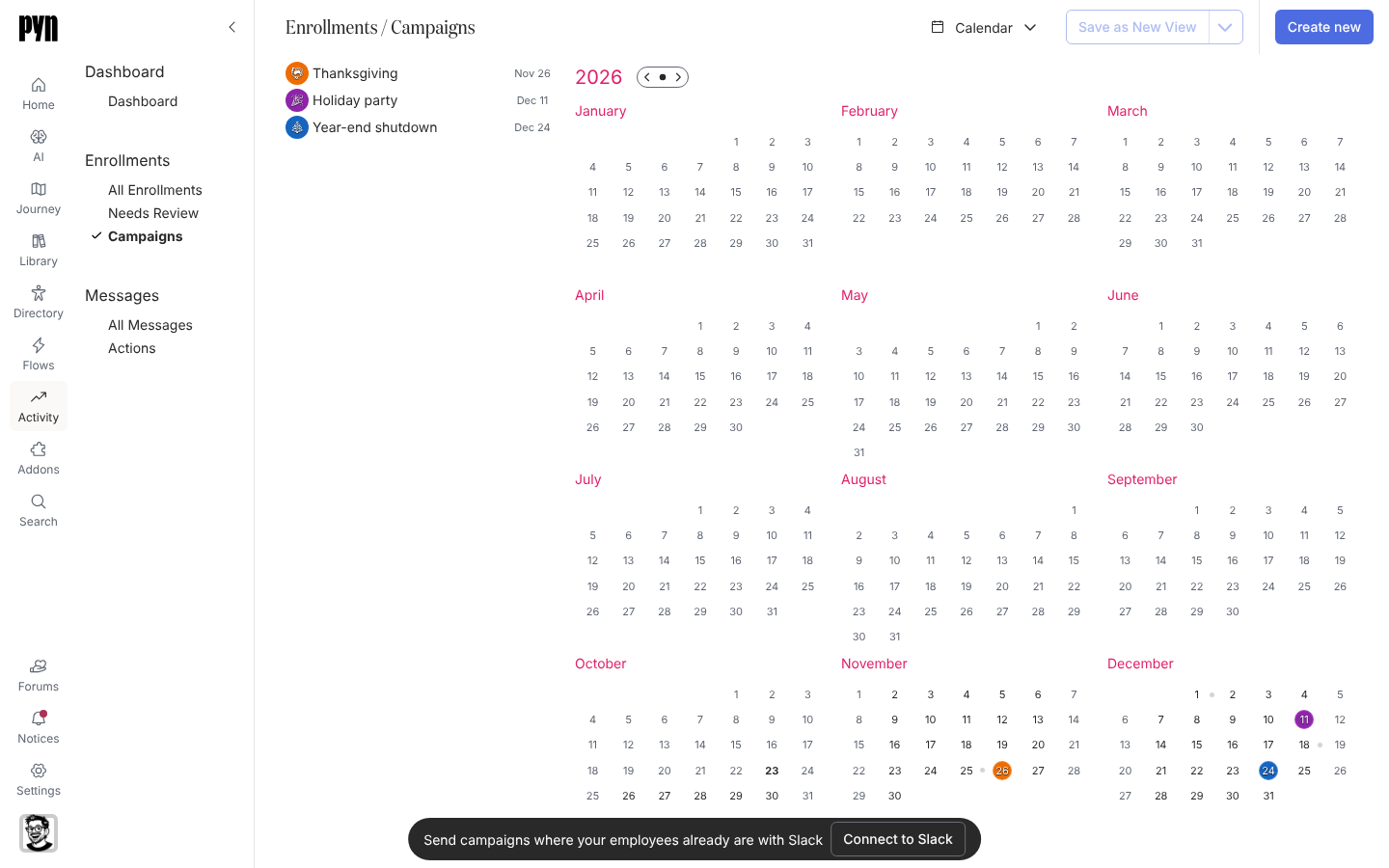
An automation runs for one employee at a time, timed from their start date or anniversary. A campaign runs for many people at once, timed from a date on the calendar: the day open enrolment opens, a public holiday, the start of a review cycle. Campaigns live on the Campaigns calendar under Activity, and campaign templates in Flows are ready-made sets of them you enrol people into.
Concepts
Section titled “Concepts”- Campaign: one dated programme with a title, an emoji, a colour, a Reference Date and a list of steps, each on its own calendar date. Its steps are the same email, Slack and channel steps as an automation’s, sent to the recipients you list rather than to one enrolled employee. See Steps and messages.
- Campaign template: a blueprint of milestones, each with a date, an emoji and colour, and steps. The catalogue holds a set of them, such as the public holidays of a country for the year. Enrolling a template turns each milestone you pick into a campaign for the recipients you choose.
- Verify Mode: an enrolment option that creates each campaign paused, with its steps held as drafts, so you can read every message on the calendar before anything sends.
- The calendar: Activity, Campaigns shows a year at a glance, or one month; campaigns are the coloured dates and their steps the dots. The sidebar lists campaigns for the period shown and lets you add steps. Drag a step to another day to move it.
What you can do here
Section titled “What you can do here”- Add a campaign template from the catalogue, then Enroll employees in a campaign from it.
- Create a campaign from scratch on the calendar and add steps to it.
- Duplicate a campaign for next year, with its step dates shifted.
- Reschedule a step on the calendar by dragging it.
Tutorial: holidays and observances for the yearA year of holiday greetings and observance notes from the catalogue and your own list. About 45 minutes.
Tutorial: a performance review cycleEight messages over three and a half weeks that walk employees and managers through a review cycle. About an hour.
Reference: campaign statesWhat a campaign and each of its steps can be, from Draft to Complete.
Where it is in the app
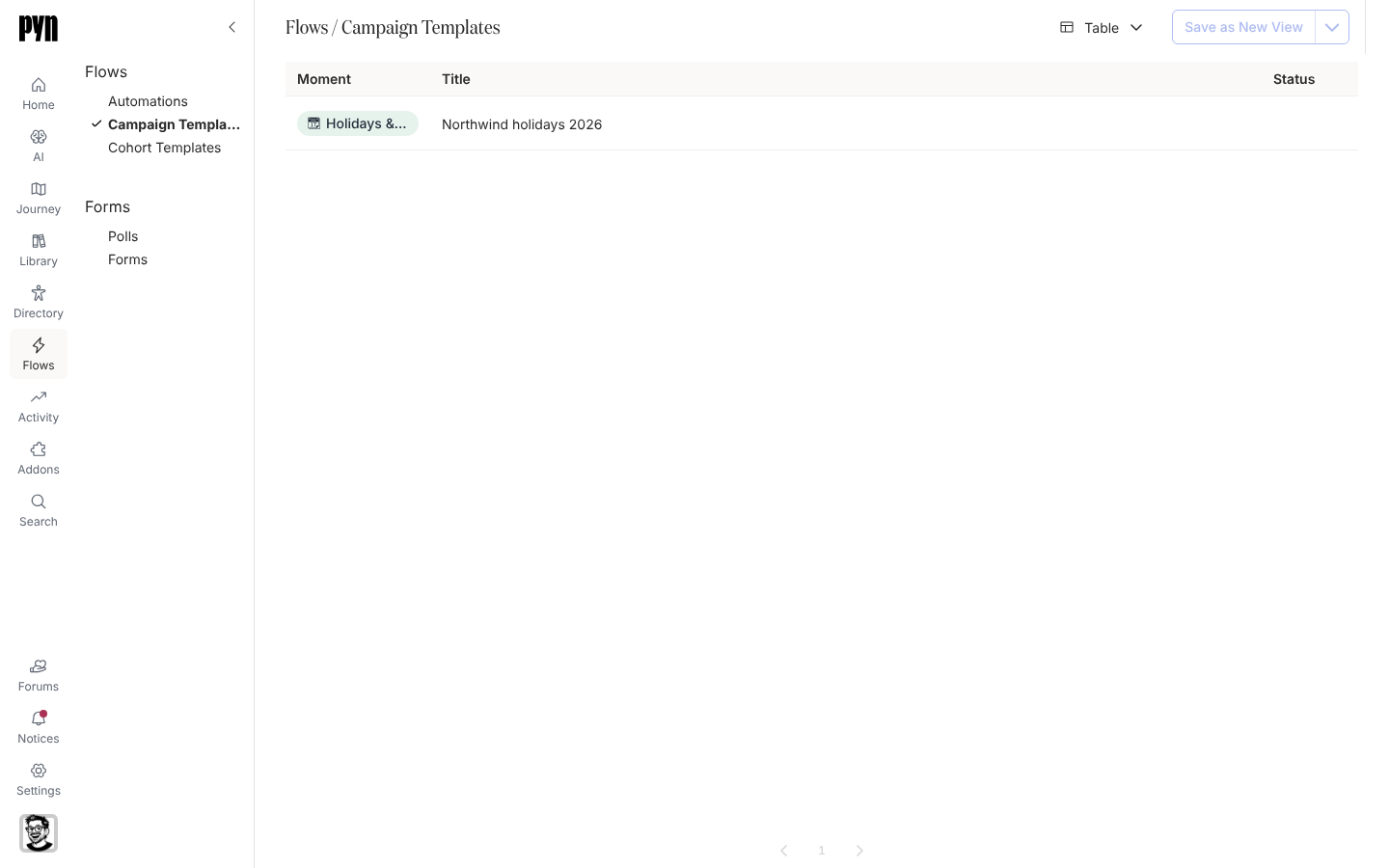
Section titled “Where it is in the app”Open /flows/home in Pyn and select Campaign Templates to see the templates added to your workspace, grouped by journey moment; select one to open it and enrol people. Open /activity/home and select Campaigns for the calendar of campaigns themselves, where you also create one from scratch. Both need the Power User role or above.
Related
Section titled “Related”- Automations for communications timed from an employee’s own dates.
- Steps and messages for the step drawer the campaign step shares.
- Activity for the Campaigns calendar and the messages each campaign sends.
- Journey to attach a campaign template to a moment.