

Review and export submissions
Answers are only useful once you read them. Every submission to a form or poll is listed on the form itself, newest first, and the whole set exports as a spreadsheet for analysis or for your HRIS.
Before you start
Section titled “Before you start”- You are a Power User, Admin or Owner.
-
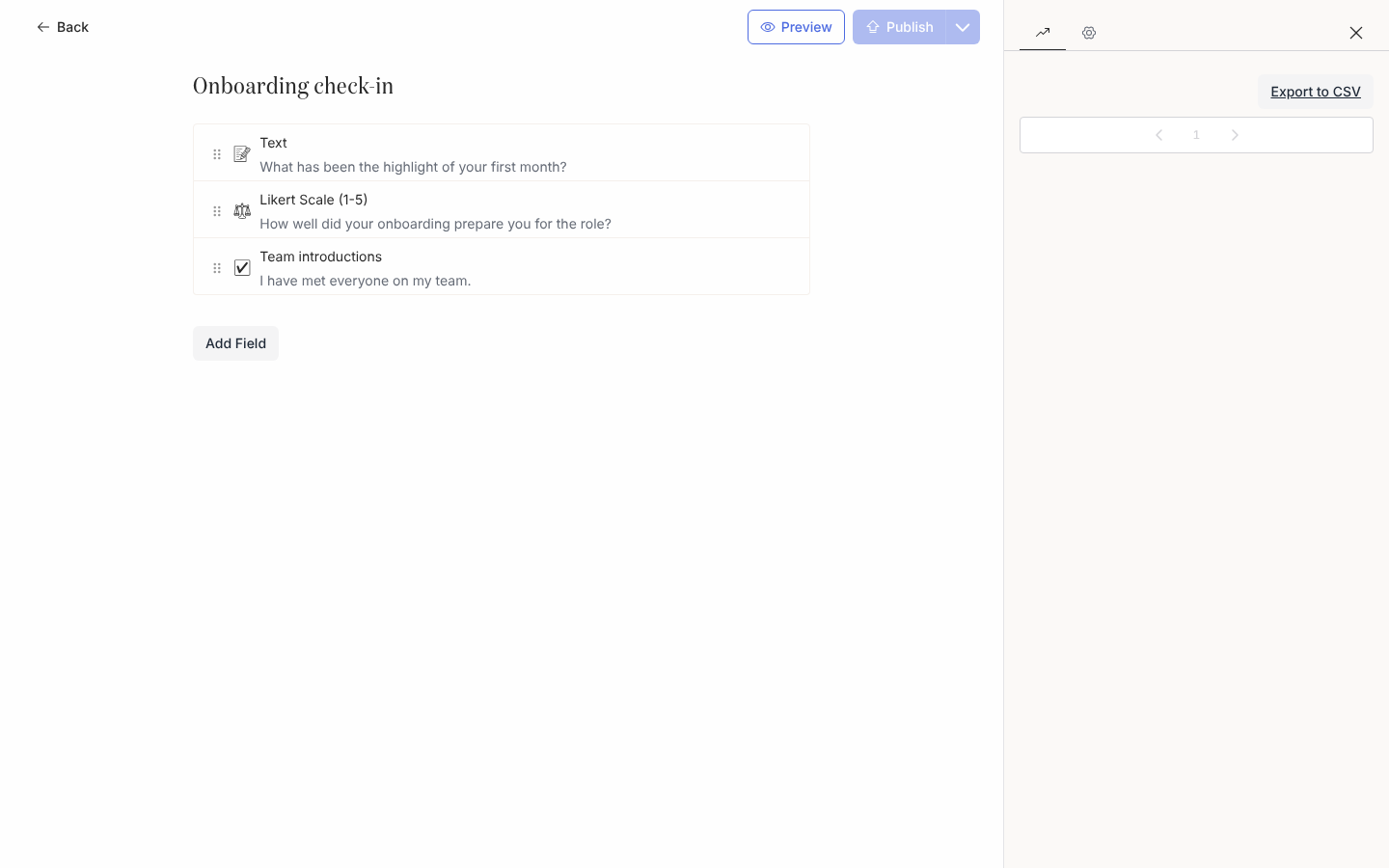
In Pyn, open Flows in the left navigation, select Forms (or Polls), then the form.
-
Select Activity on the rail at the right of the editor. The drawer lists submissions, newest first, 50 to a page, each named after the person who answered.
-
Select a submission to open it and read the answers.
-
Select Export to CSV at the top of the drawer. A file named after the form’s id and title downloads.
-
Open the file. Each row is one submission with
employeeId(the person’s HRIS id),submissionId, and one column per field.
What you should see
Section titled “What you should see”The list grows as messages with the form are answered. For who has not answered, open Actions, filter by the step, and look for Unactioned; that view also exports with its filters applied. Buddy and Mentor answers also appear on the employee’s profile in Directory as their relationships.
Related
Section titled “Related”- Build a form to change the questions.
- Actions for who has and has not responded.
- Views, filters, search and export for exports elsewhere in Pyn.