

Forms
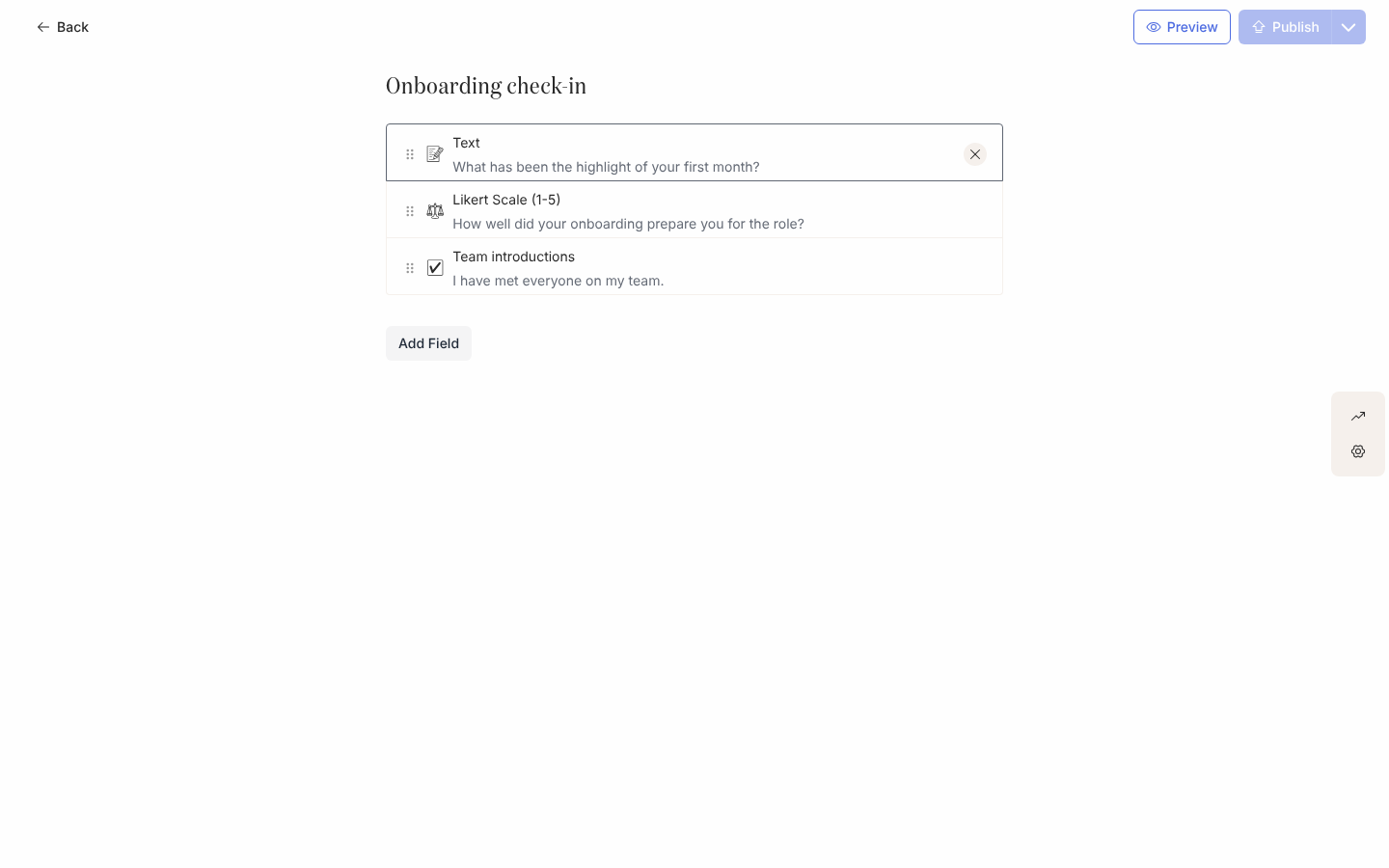
A form asks an employee, or someone around them, for an answer Pyn can keep: a manager naming a buddy, a new starter rating their first week, anyone confirming they have read a policy. You build it once in Flows, Forms, embed it in any message step, and every submission lands against the employee’s record.
Concepts
Section titled “Concepts”- Fields: up to ten per form, from two groups. Common fields are Text, Checkbox, Likert Scale and Content (a block of text shown inside the form). Employee Fields are Buddy and Mentor, pickers that write a relationship onto the employee’s record when submitted. See Form field types.
- Publishing: a form is edited as a draft and sent only once published. Editing a published form marks it dirty again and Publish re-enables.
- Submission: one person’s answers to one delivery of the form. Submissions are listed under the form’s Activity drawer, newest first, and exported as CSV. A tracked form also counts as Actioned on the message and in Actions.
- Principal and submitter: the submitter is the person who answered; the principal is the employee the enrollment is about. A Buddy field writes to the principal’s record, so a manager answering a form in the new starter’s onboarding flow sets the starter’s buddy.
- Form Submission trigger: an automation can start from a completed submission, enrolling the submitter. See Trigger a flow from a submission.
- Webhook: another system can post a submission for an employee it identifies by HRIS id. See Create a webhook.
What you can do here
Section titled “What you can do here”- Build a form and publish it.
- Embed a form in a message in an automation or campaign step.
- Review and export submissions.
- Trigger a flow from a submission.
- Create a webhook so another system can submit.
Tutorial: a buddy selection form that triggers a flowA manager picks a buddy from a Slack message; the starter's record is updated and a thank-you flow runs. About 40 minutes.
Reference: form field typesEach field, what it collects, how it renders in Slack, email and on the respond page.
Reference: webhook APIEndpoint, authentication, body, idempotency, responses and the log codes.
Where it is in the app
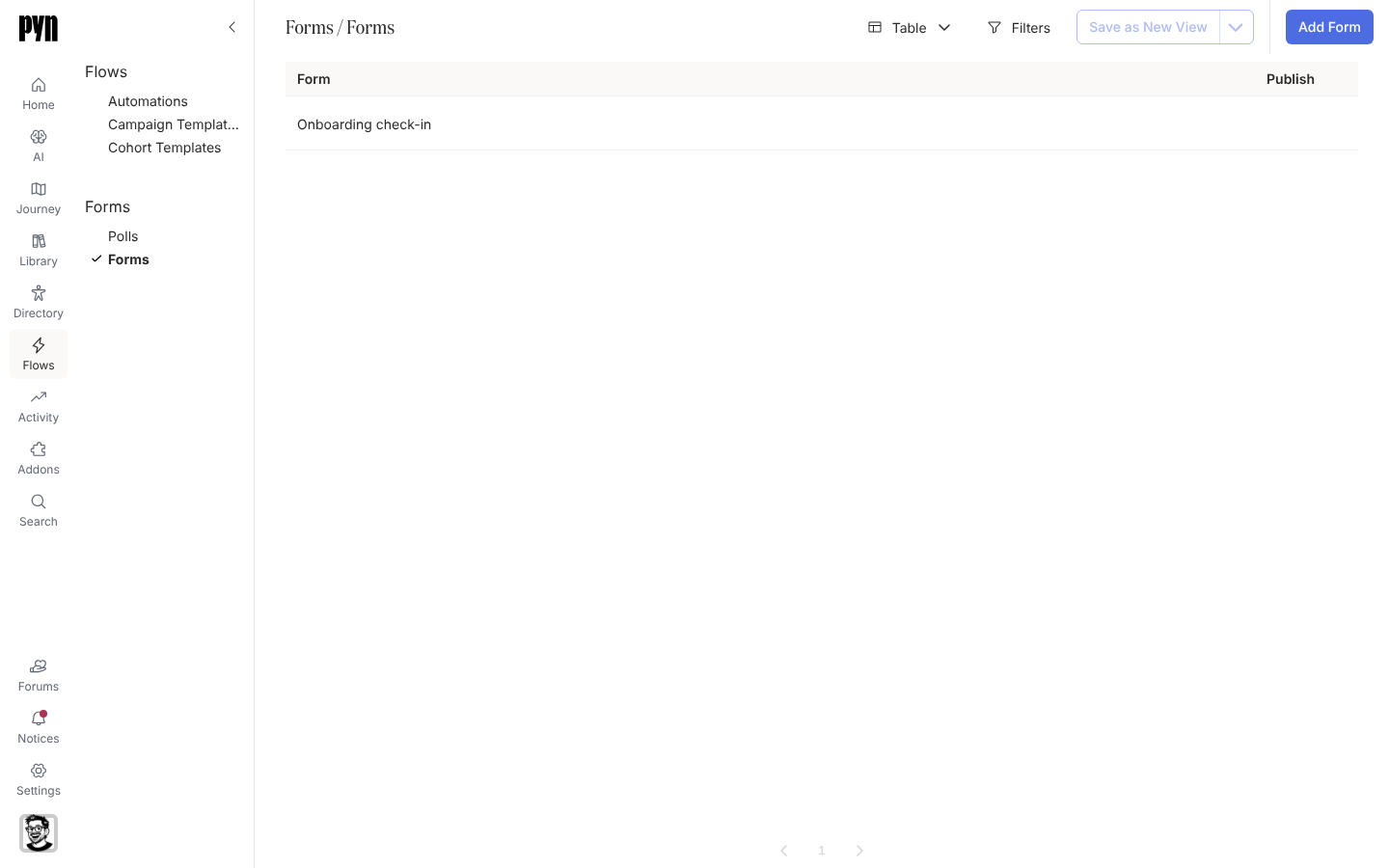
Section titled “Where it is in the app”Open /flows/home in Pyn and select Forms under the Forms group, or open Flows in the primary navigation on the left of every page. Power Users and above create, publish and read forms; webhooks need an Admin.
Related
Section titled “Related”- Polls for a one-click question instead of a form.
- Add a button to a message for the Embed Form widget.
- Trigger a flow from a form submission for the automation side of the trigger.
- Actions to see who has and has not submitted.