

Workspaces
A workspace holds everything for one organisation: its employees, flows, library, integrations, users and settings. Your email address can be linked to more than one workspace, each with its own role, and you work in one at a time.
Concepts
Section titled “Concepts”- Workspace name: what you typed when you created it. It appears at the top of the profile menu and in the Switch Workspace list. The Company Name in Account Settings is separate; it feeds the
company.nametoken in messages and defaults to the workspace name. - Plan: every workspace is on a plan that decides what it can do. See Plans and what each unlocks.
- Sandbox: a workspace marked as a sandbox shows a yellow bar down the left edge of the navigation, so you can tell it from your live workspace at a glance.
- Playground: a workspace filled with sample data for exploring Pyn. It shows the banner You’re in Playground Mode with an Exit button, and it is hidden from the Switch Workspace list.
- Paused: an admin, or Pyn, can pause a workspace from Account Settings. Nothing sends, no flow runs and no integration syncs until it is resumed.
What you can do here
Section titled “What you can do here”- Switch workspace when your address is linked to more than one.
- Create a workspace for a new organisation, or your first one.
Pyn does not merge two workspaces. If your company has ended up with more than one, pick the one to keep and invite the people from the other; the Intercom guidance to use a single designated workspace per company still holds.
Where it is in the app
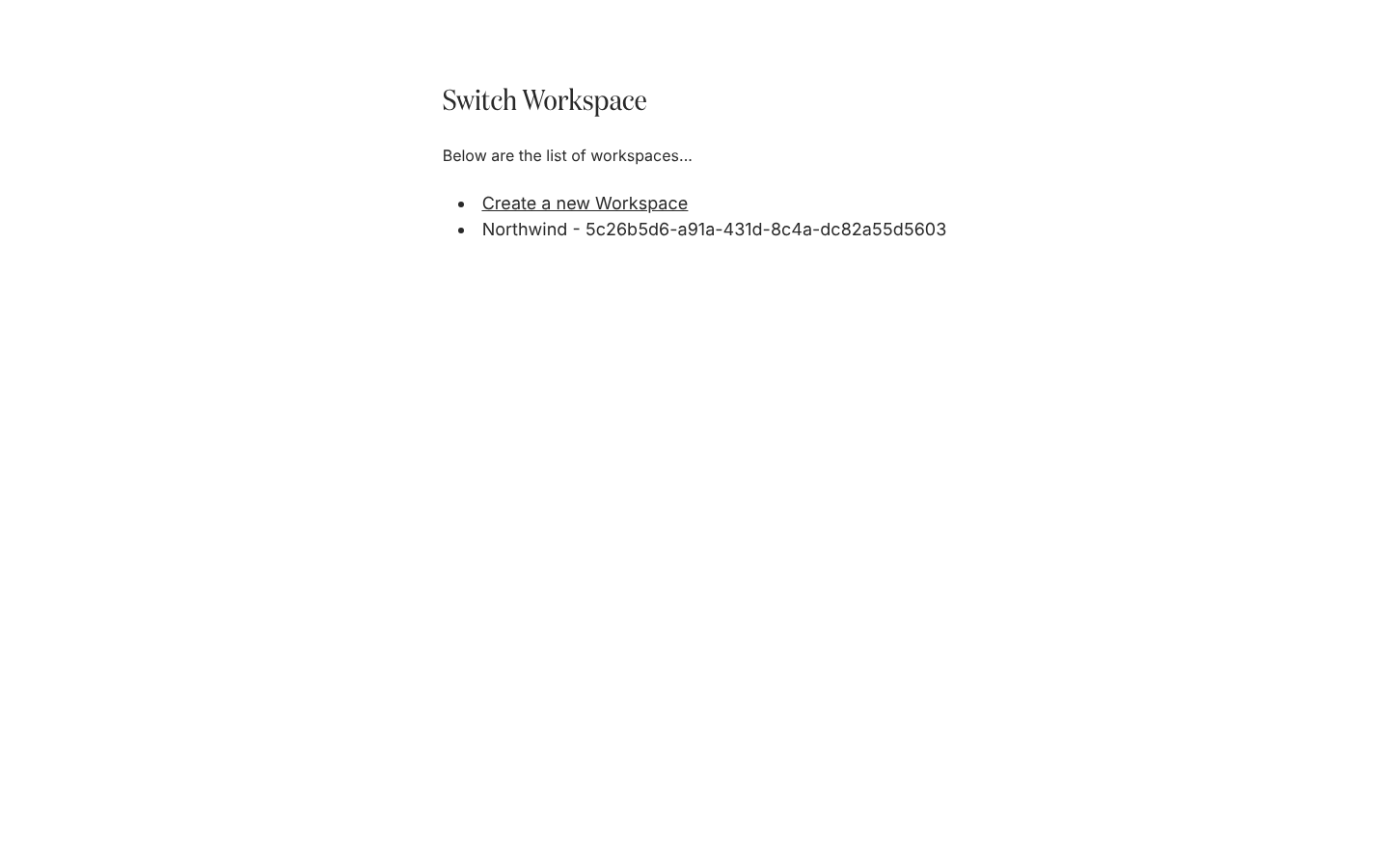
Section titled “Where it is in the app”/switch-workspace lists your workspaces and offers Create a new Workspace; /create-workspace is the form. Both are also in the profile menu at the bottom of the left navigation, as Switch Workspace and Create new Workspace.
Related
Section titled “Related”- Switch workspace to move between organisations.
- Create a workspace for the questions Pyn asks and what it sets up.
- Plans and what each unlocks for what the free plan allows.
- Account Settings for the company name, time zone, logo and pausing.