

Enroll employees in a campaign
A campaign template does nothing on its own. Enrolling it is where you decide which milestones apply to your company, who should receive them, and whether to check every message before it goes.
Before you start
Section titled “Before you start”- The template is under Flows, Campaign Templates; see Add a campaign template.
- The audience exists as an employee group, for example Everyone or US employees. See Employee Groups. You can also pick individual employees.
-
In Pyn, open Flows in the left navigation, select Campaign Templates, then the template.
-
In the list on the left, tick the milestones to run. Tick the header checkbox (Select all) for every milestone, or expand a milestone and tick only some of its steps. Use this in the top-right corner becomes available once a milestone is ticked.
-
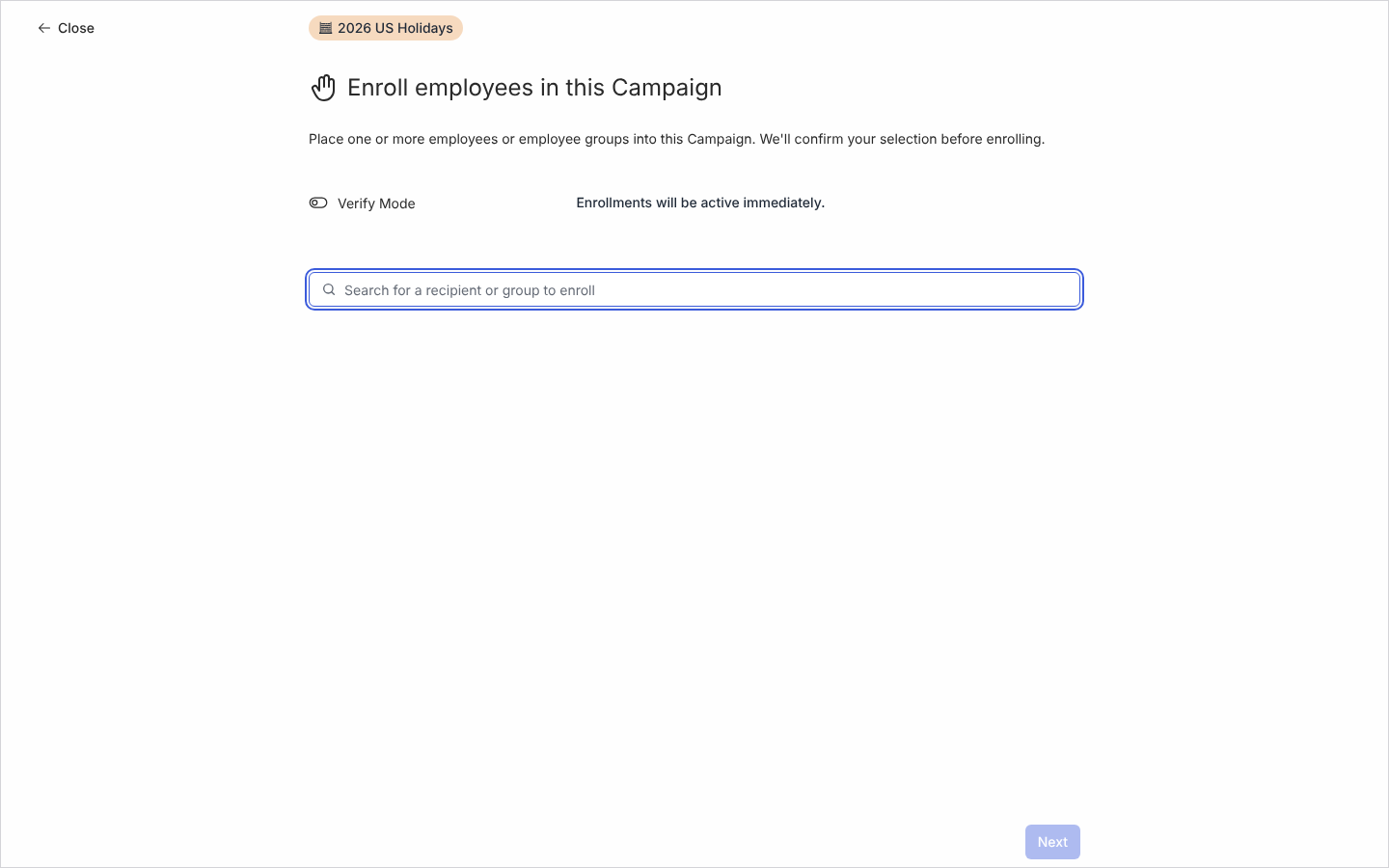
Select Use this. The Enroll employees in this Campaign page opens.
-
Decide on Verify Mode. Off, it reads Enrollments will be active immediately.; on, Created enrollments will need verification to proceed. Turn it on the first time you run a template.
-
Under Search for a recipient or group to enroll, type a group or person’s name and select them. Repeat for each; they are listed under the search, with clear all to start again.
-
Select Next. The Confirm Campaign Enrollments page lists the recipients and, under Selected Milestones, what you ticked.
-
Select Confirm. Pyn shows Congratulations. Your campaign is ready. with Go back to the campaign, View in activity and Enroll more employees.
What you should see
Section titled “What you should see”Open Activity and select Campaigns: each milestone appears on the calendar on its date, in the template’s colour, with its steps as dots on their send dates. Without Verify Mode the steps read Automated and are scheduled. With Verify Mode each campaign is paused and its steps read Manual; open each step, read it with its tokens filled in, and set it to Automated to release it. See Campaign states.
Related
Section titled “Related”- Add a campaign template to get a template into the workspace.
- Create a campaign when no template fits.
- Campaign states for Manual, Automated and Complete.
- Employee Groups for the groups you enrol.