

Demographics
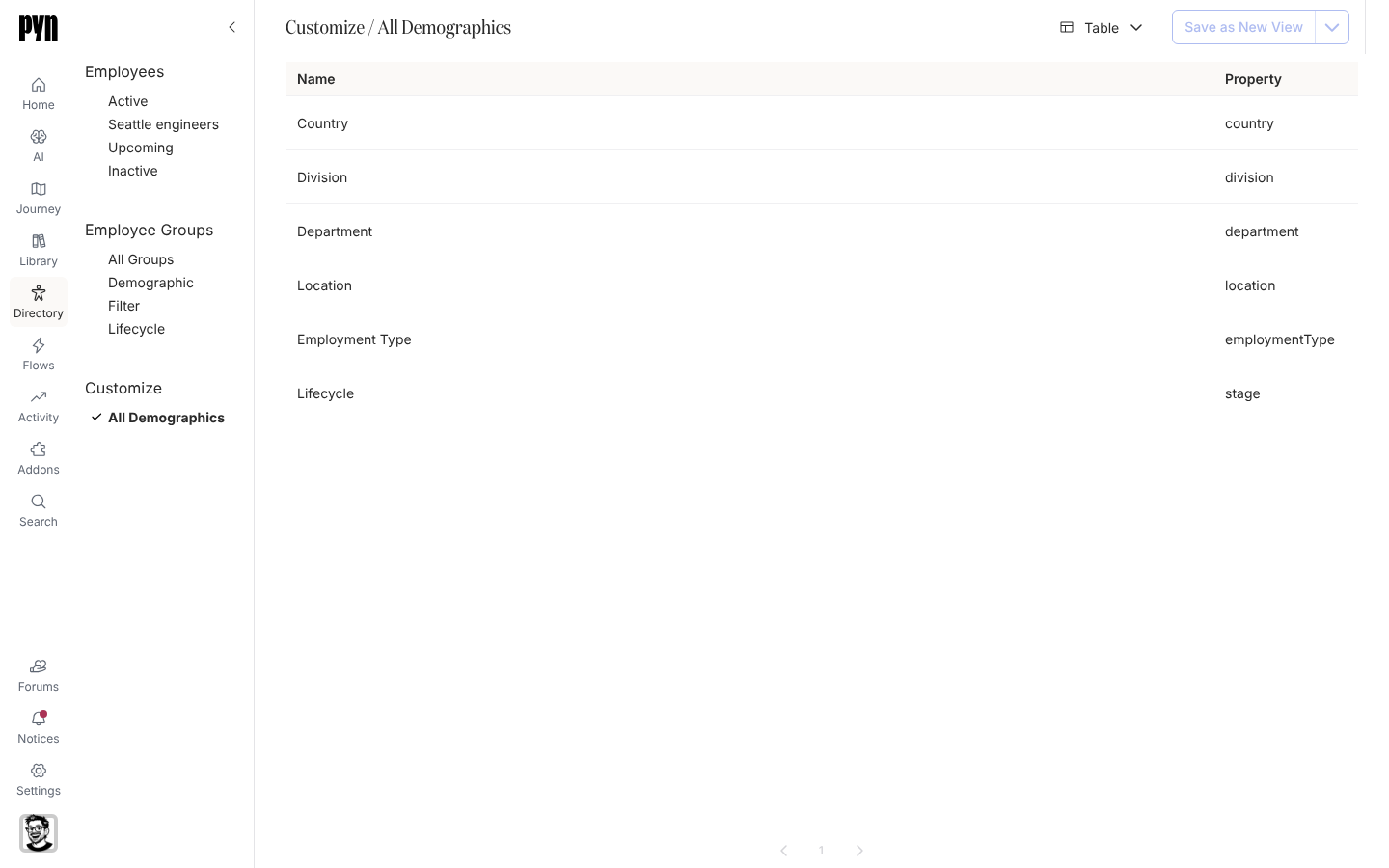
Department, Location, Division, Country and Employment Type are demographics from the day the workspace is created: Pyn reads each employee’s value and keeps a group per value, so Department: Engineering exists as soon as one engineer does. All Demographics under Customize lists them and any you add, with the property each one reads.
What you can do here
Section titled “What you can do here”- Create a demographic from a boolean, single-select or allowed text property, with your own names for a boolean’s two groups.
- Archive a demographic you no longer group by, and unarchive it later.
- Group types lists the seeded demographics and the properties that qualify.
Where it is in the app
Section titled “Where it is in the app”Open Directory in the left navigation and select All Demographics under Customize. The table shows Name and Property. Select a row for its panel: the property key and Demographic Groups, one per value seen (No demographic groups yet until the first evaluation). New demographics are created from Employee Groups > Create > Demographic.
Related
Section titled “Related”- Create a demographic to add one.
- Archive a demographic to retire one.
- Employee Groups for the groups a demographic produces.