

Flows
Flows is where you design what Pyn sends and when. An automation enrols employees when a trigger fires and runs its steps relative to a reference date such as a start date or anniversary. A campaign template is a dated plan of milestones you enrol people into on demand. Forms and polls collect answers inside those messages.
What you can do here
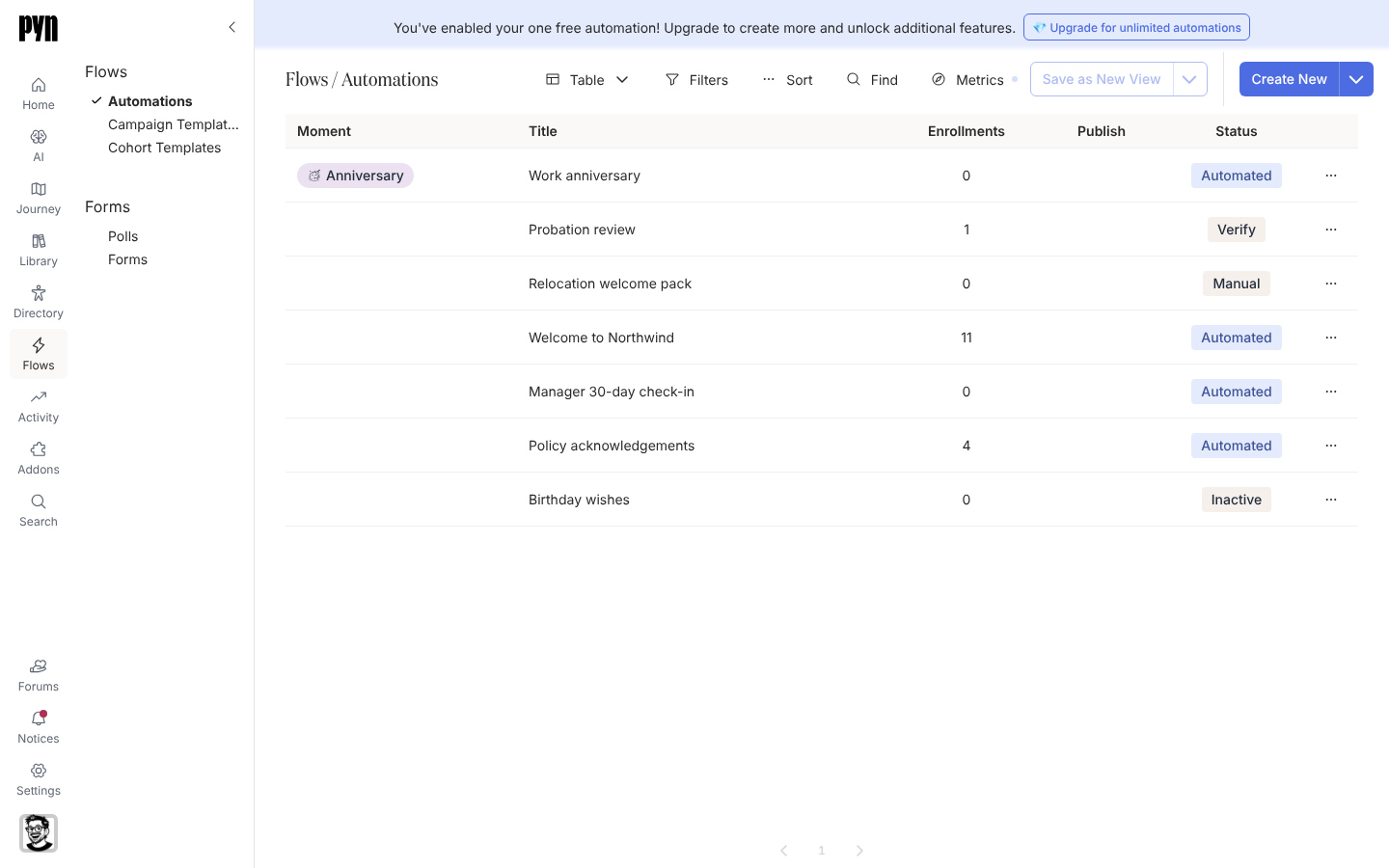
Section titled “What you can do here”- Build an automation for a lifecycle moment: choose a trigger, set the audience, add steps and publish
- Enrol a one-off list of employees by hand, with their own reference dates, from a search, a pasted list or a spreadsheet
- Run a dated campaign for a review cycle, a benefits window or an all-hands
- Create forms and polls and embed them in a step
- Sort and export the list of automations, duplicate one, archive one or attach it to a journey moment
Where it is in the app
Section titled “Where it is in the app”Open /flows/home in Pyn, or select Flows in the primary navigation on the left of every page. The sub-navigation has two groups: Flows (Automations, Campaign Templates, Cohort Templates) and Forms (Polls, Forms). Flows is visible to power users, admins and owners.
Related
Section titled “Related”- Automations for triggers, audiences, modes and enrolments.
- Campaign templates for dated campaigns on the Activity calendar.
- Forms and Polls for what you can collect from employees.
- Activity to see every enrolment and message a flow produced.