

Create or replace a webhook secret
A webhook is created on a form but accepts nothing until it has a secret. You mint the secret from the webhook’s panel, copy it into the calling system, and replace it if it leaks or the other system loses it. The secret is shown once and cannot be read back.
Before you start
Section titled “Before you start”- You are an admin or owner.
- The webhook exists. If not, open the form in Forms, select Settings in the rail and then Add Webhook.
- You have somewhere safe to paste the secret, such as the calling system’s credential store.
-
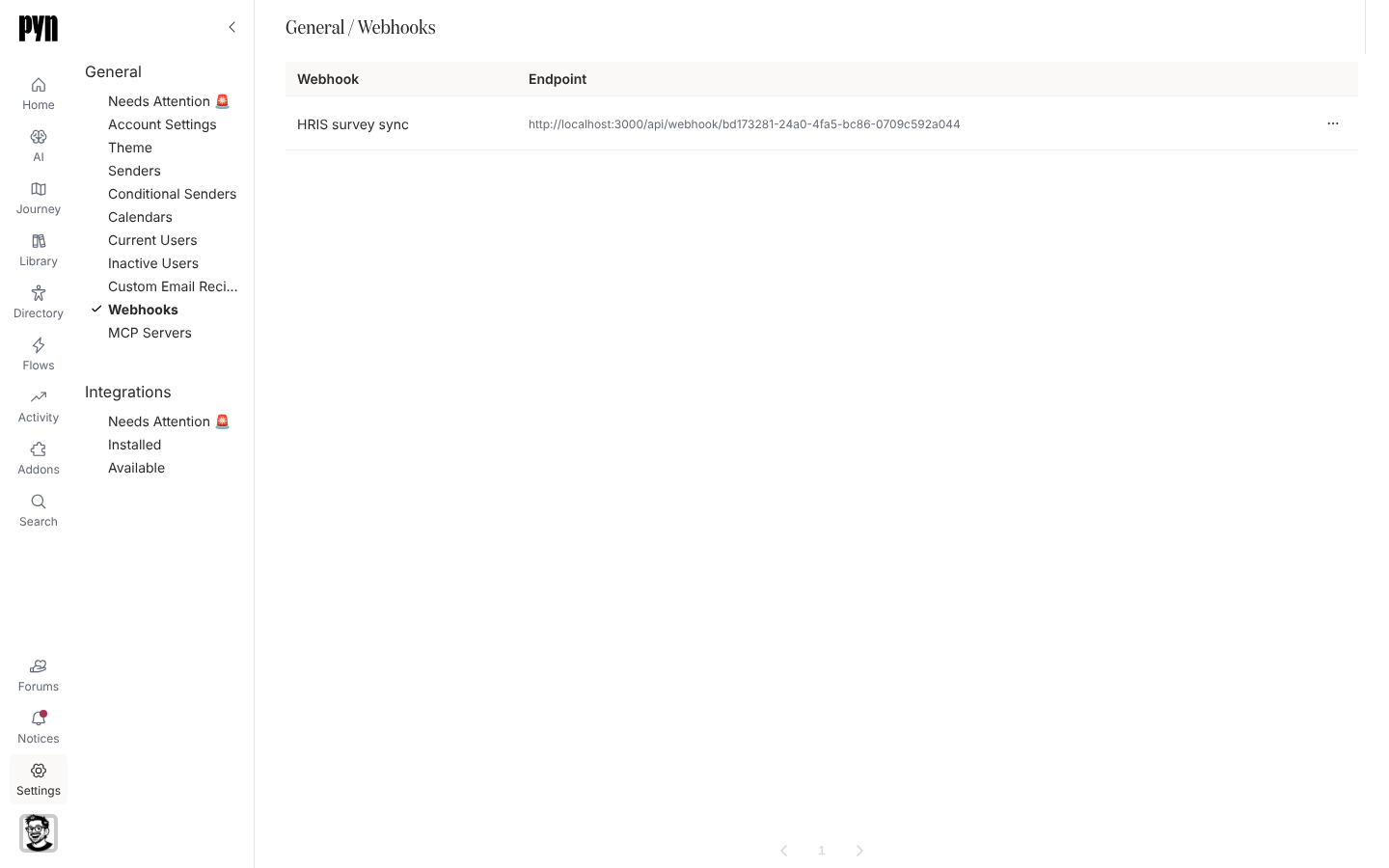
In Pyn, open Settings in the left navigation, then Webhooks under General.
-
Select the webhook. Its panel opens; without a secret it says “This webhook accepts nothing until it has a secret.”
-
Select Create Secret. The panel shows the secret with “Copy this secret now. It is shown once and cannot be retrieved later.”
-
Copy it, store it in the calling system, then select Done.
-
Copy the URL shown under “Post a JSON body here, with the secret as a bearer token.” and configure the caller to send
Authorization: Bearer <secret>with a JSON body. -
To rotate later, select Replace Secret. The confirmation warns “The current secret stops working immediately. Anything calling this webhook will need the new one.” Select Replace and copy the new value.
What you should see
Section titled “What you should see”With a secret in place the panel reads “This webhook already has a secret. Replace it if the old one has been lost.” Send a test payload from the other system: the History tab lists it within a few seconds with its outcome, submitted for a payload that became a submission, or a reason code such as unknown-subject. A payload sent with a wrong or missing secret is answered 404 and does not appear in the log.