

Settings
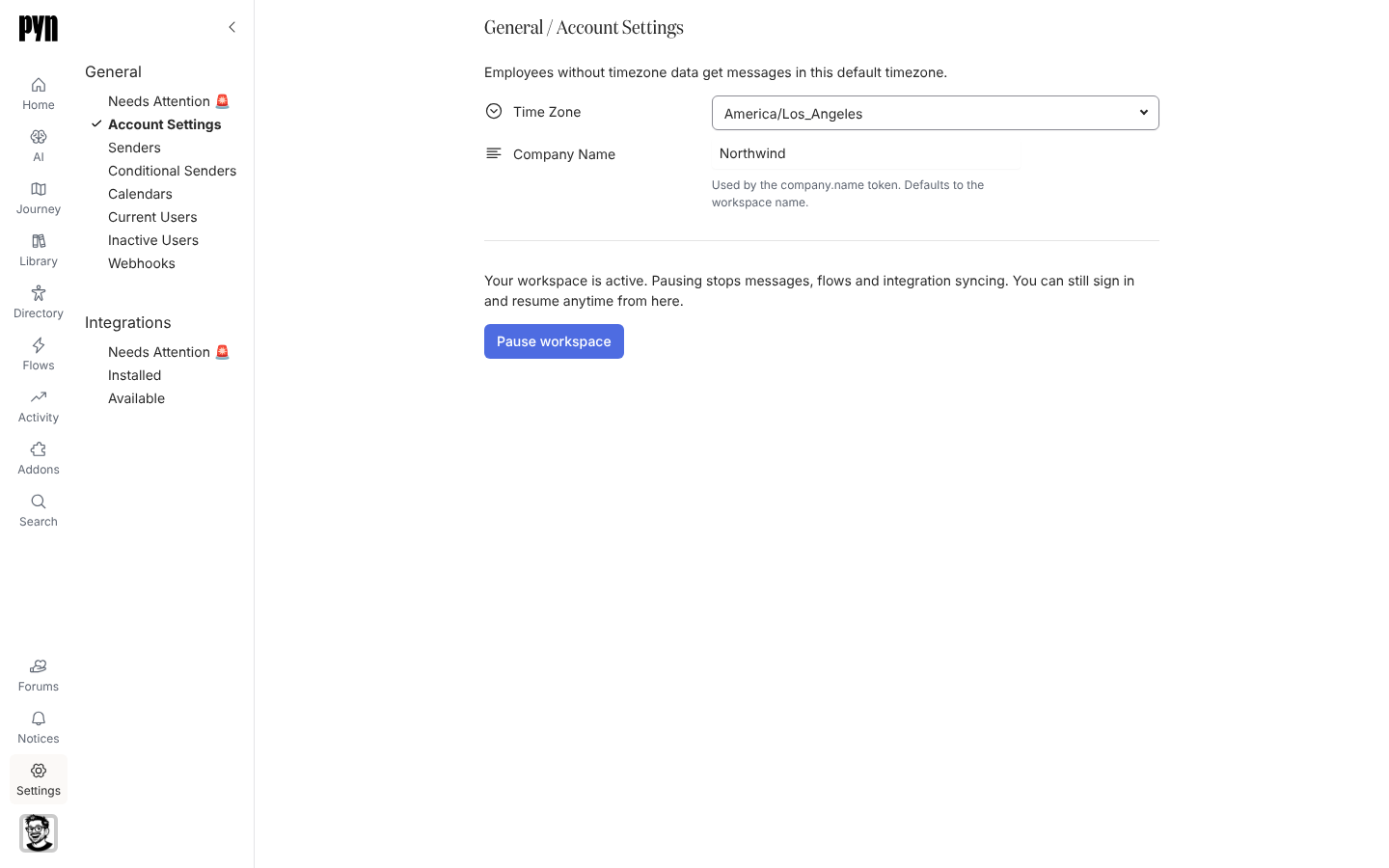
Settings is where admins configure the workspace. The left rail has two groups. General holds the workspace’s own settings and the things flows send with: Account Settings, Theme, Senders, Conditional Senders, Calendars, Current Users, Inactive Users, Custom Email Recipients, Webhooks and MCP Servers. Integrations connects Pyn to your HRIS, Slack, email, calendars, ATS and identity provider.
Each group starts with a Needs Attention 🚨 view. It is empty when everything is healthy and lists any sender, calendar, recipient or integration in an error state, with a Reconnect action beside it.
What you can do here
Section titled “What you can do here”- Set the company name and default time zone, or pause the workspace, under Account Settings; set the logo, colours and font of the emails Pyn sends under Theme
- Add, test and archive the senders that messages come from, and route by audience with conditional senders
- Connect a Google or Outlook calendar for calendar-invite steps
- Invite teammates and set their roles under Users
- Keep external inboxes in the loop with custom email recipients
- Manage the webhooks other systems post to and the MCP servers AI clients connect to
- Install and maintain integrations
Where it is in the app
Section titled “Where it is in the app”Open Settings at the bottom of the primary navigation on the left of every page. It opens on /settings/integrations/installed; the General views are at /settings/general/<view>, for example /settings/general/senders. Only admins and owners see Settings.
Some views depend on what is switched on for your workspace: Theme, Calendars, Custom Email Recipients and MCP Servers appear only in workspaces where that feature is enabled.
Related
Section titled “Related”- General for the list of General views and what each holds.
- Integrations for the Needs Attention, Installed and Available views.
- Account Settings for the time zone, company name and pause control.
- Integrations guides for one page per integration.