

Change a user's role
Someone who started as a Power User now looks after integrations, or an admin is moving to a read-only role. Roles change from the user’s … menu, and the change applies at their next page load.
Before you start
Section titled “Before you start”- You are an admin or owner. Admins can assign User, Power User and Admin; only owners can assign Owner or change an existing owner.
- You cannot change your own role; the menu is disabled on your row.
-
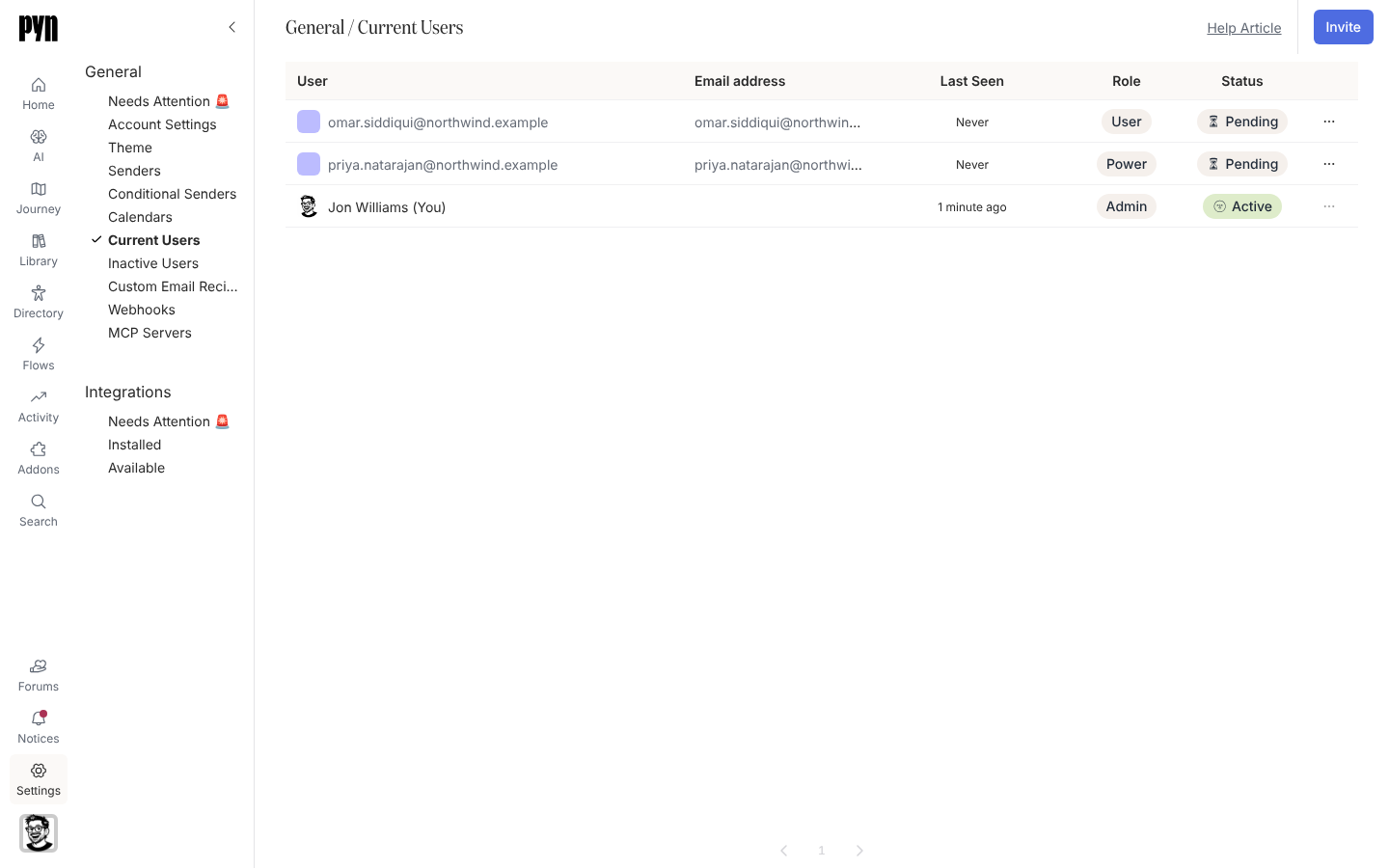
In Pyn, open Settings in the left navigation, then Current Users under General.
-
Find the user and open the … menu at the end of their row.
-
Select Assign User Role, Assign Power User Role, Assign Admin Role or, as an owner, Assign Owner Role. The role they already hold is not offered.
-
The Role chip in the row updates.
What you should see
Section titled “What you should see”The row shows the new role: Owner, Admin, Power or User. The person sees the change the next time Pyn loads: a new admin gains Directory, Addons and Settings in the left navigation; a user who lost Power User no longer sees Flows.
Related
Section titled “Related”- Users for what each role can do.
- Invite a user to add someone new.
- Single sign-on when roles come from your identity provider.