

Webhooks
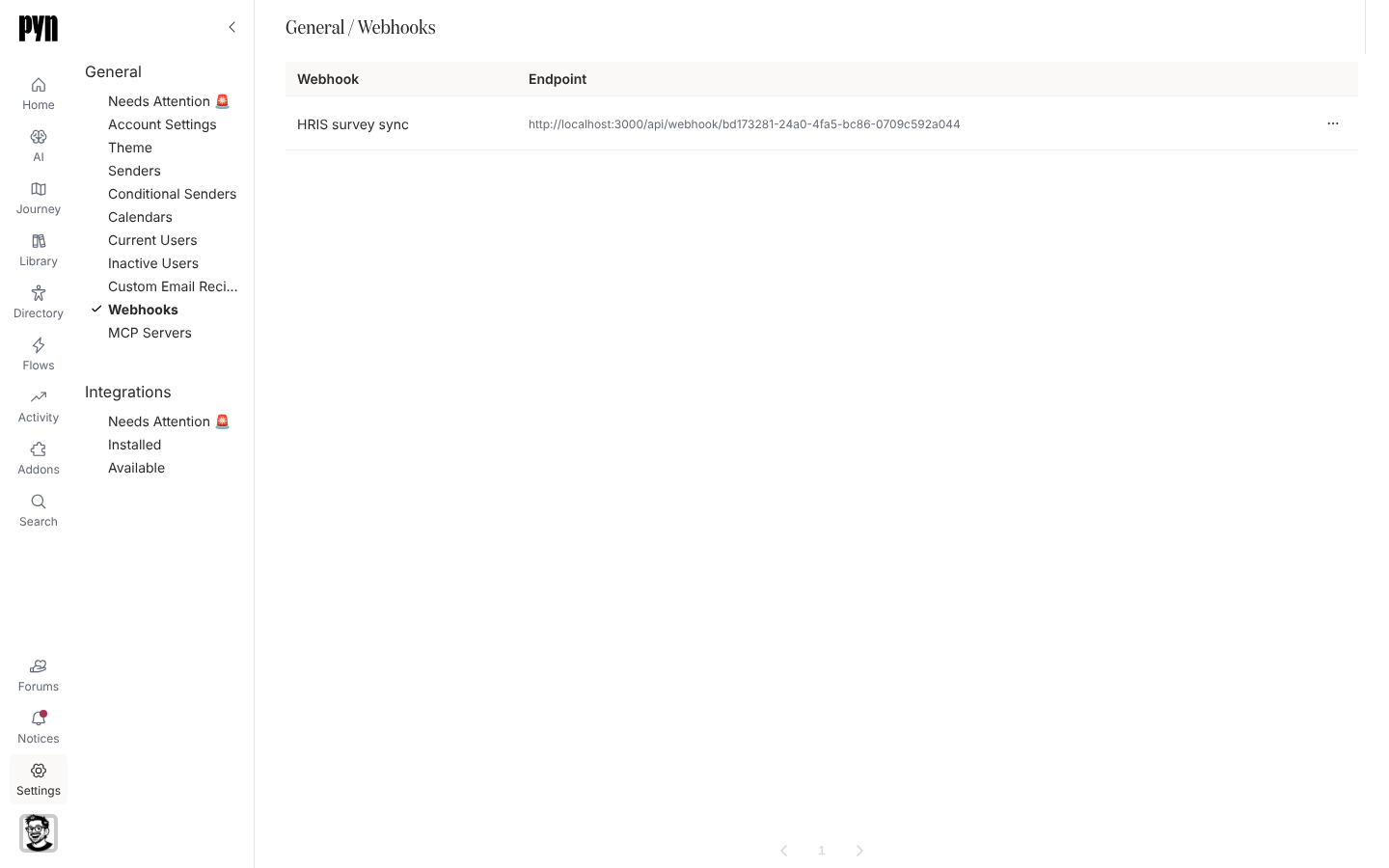
An inbound webhook is an address another system posts JSON to. Each webhook belongs to a form: a payload that arrives becomes a submission of that form for the employee the payload names, and that submission can trigger an automation. Webhooks are created on the form, in its Webhook drawer; Settings lists them all in one place.
How a webhook works
Section titled “How a webhook works”- The endpoint is
POST /api/webhook/<webhook id>with the headerAuthorization: Bearer <secret>and a JSON body. The panel shows the URL and Header to send: “Post a JSON body here, with the secret as a bearer token.” - The body names the employee with
subject_idand the answers underfields. The form’s Subject setting says which source system that id comes from, for example a BambooHR employee id. - Every call is answered
202as soon as it is accepted; the History tab is the record of what became of each payload. Entries carry a code such assubmitted,unknown-subject,invalid-fieldsoralready-submitted. - A payload Pyn could not take raises a notice in Notices keyed by its code, so a caller repeating one mistake updates a single notice rather than raising many. Admins can also be emailed; see Set notification emails.
- A webhook accepts nothing until it has a secret, and an archived webhook stops accepting payloads.
What you can do here
Section titled “What you can do here”- Create or replace a webhook secret
- Rename a webhook from its panel
- Read the History of payloads and export the whole log as CSV from the form’s Webhook drawer
- Archive a webhook from its … menu
Where it is in the app
Section titled “Where it is in the app”Open /settings/general/webhooks in Pyn, or open Settings in the primary navigation and select Webhooks under General. To create a webhook, open the form in Forms, select Settings in the rail and then Add Webhook.
Related
Section titled “Related”- Create or replace a webhook secret before the first payload.
- Forms to create the webhook and choose its subject.
- Notices for payloads Pyn could not take.