

Polls
A poll is the lightest thing you can ask. Where a form has fields, required answers and a Submit button, a poll records an answer the instant someone clicks a button: Satisfied, Yes. Use it for a pulse after the first week, a reaction to an all-hands, or a read on how a change landed.
Concepts
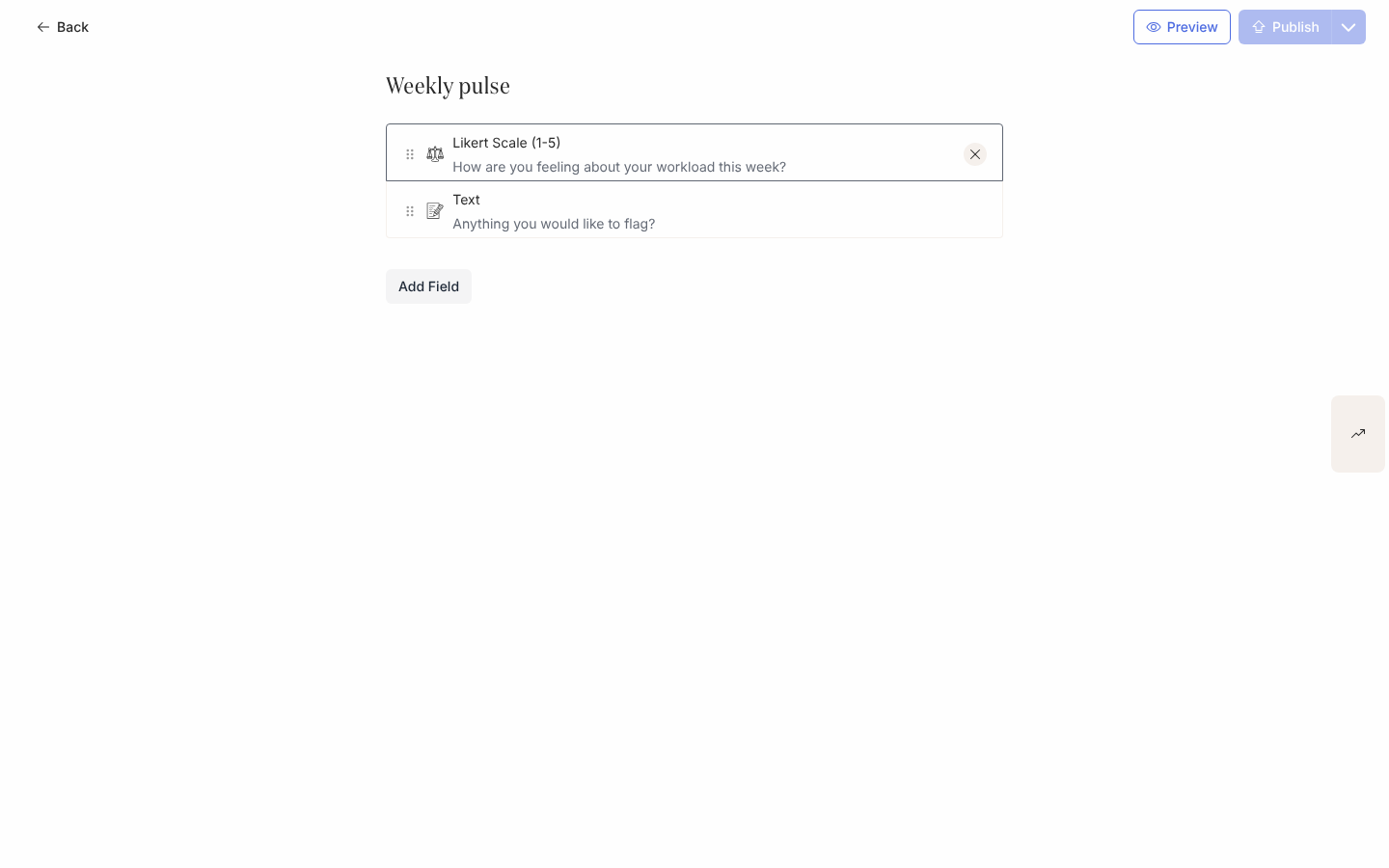
Section titled “Concepts”- Fields: a poll uses the same Select Field picker as a form, but nothing can be required and each field is answered on its own. Keep a poll to a Likert Scale or a Checkbox (shown as Yes and No); a Text field is not shown on the poll’s respond page. See Form field types.
- Publishing: a poll is sent only once published; later edits re-enable Publish.
- Submissions: each click is recorded against the person and listed, newest first, in the poll’s Activity drawer, with Export to CSV. A poll never triggers an automation.
- Where it renders: in Slack the buttons are in the message; in email the message carries a button to a respond page with the same buttons.
What you can do here
Section titled “What you can do here”- Run a quick poll: create, publish, embed and read it.
- Review and export submissions, which works the same for polls.
Form field typesWhat a Likert scale and a checkbox collect and how they render in a poll.
Where it is in the app
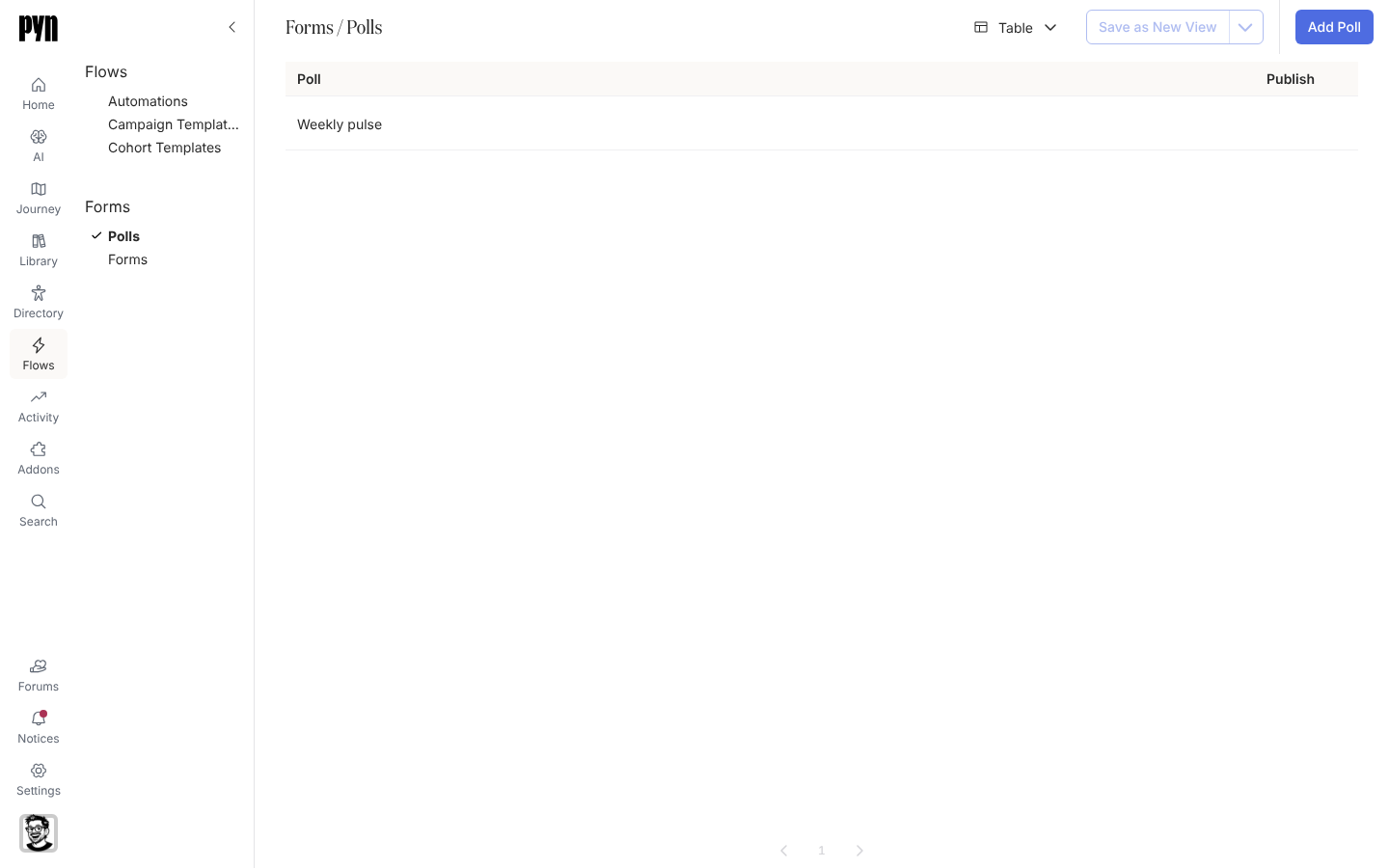
Section titled “Where it is in the app”Open /flows/home in Pyn and select Polls under the Forms group, or open Flows in the primary navigation on the left of every page. Power Users and above create and publish polls and read the results.
Related
Section titled “Related”- Forms when you need more than one click.
- Run a quick poll for the steps.
- Review and export submissions to read the answers.