

General
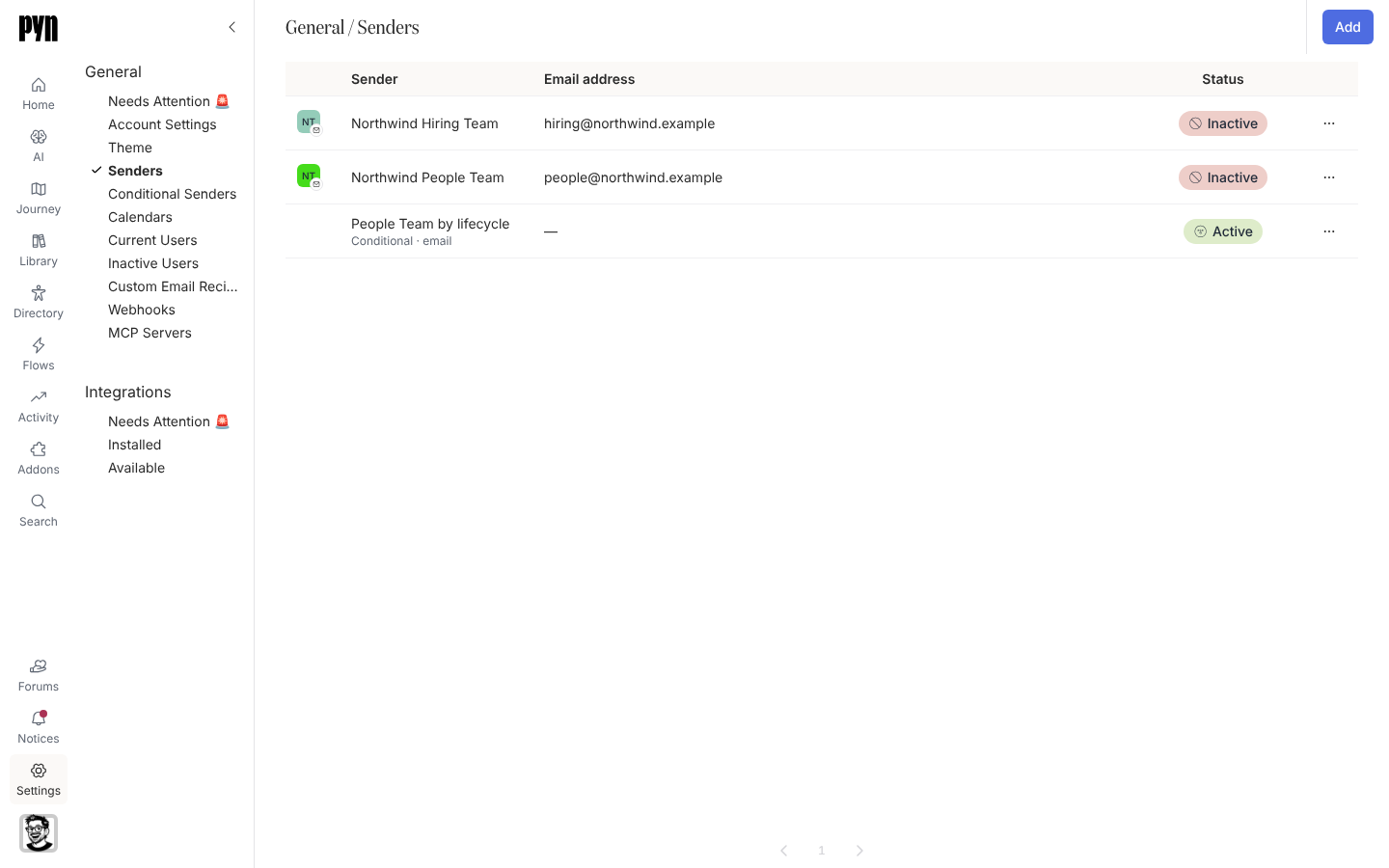
General holds the workspace-wide plumbing: who messages come from, which calendars Pyn can invite people to, who can sign in, and the webhooks and MCP servers other systems use to talk to Pyn. It is the first group in the Settings rail.
What each view holds
Section titled “What each view holds”| View | What it lists | Guide |
|---|---|---|
| Needs Attention 🚨 | Senders, calendars and custom email recipients in an error state, each with a Reconnect or verification action. Empty when everything is healthy. | Fix a sender or integration that needs attention |
| Account Settings | Time zone, company name and the pause control. | Account Settings |
| Theme | Logo, colours and font for the emails Pyn sends. | Theme your emails |
| Senders | Every sender: Google Workspace, Microsoft 365, verified email, Slack, Teams and conditional senders, with status. | Senders |
| Conditional Senders | Rules that pick a sender by audience, with a fallback. | Conditional Senders |
| Calendars | Connected Google and Outlook calendars and their synced events. | Calendars |
| Current Users | Everyone who can sign in, with role, status and last seen. | Users |
| Inactive Users | Deactivated accounts. | Users |
| Custom Email Recipients | Verified addresses outside the directory that steps can send or Cc to. | Custom Email Recipients |
| Webhooks | Inbound webhooks created on forms, with their endpoint, secret and log. | Webhooks |
| MCP Servers | Servers that expose workspace operations to AI clients. | MCP Servers |
Theme, Calendars, Custom Email Recipients and MCP Servers appear only when that feature is enabled for your workspace.
Where it is in the app
Section titled “Where it is in the app”Open /settings/general/senders in Pyn, or open Settings in the primary navigation and pick a view under General. Each view has its own route, for example /settings/general/current-users.
Related
Section titled “Related”- Settings for the whole Settings area.
- Senders for sender types and states.
- Users for roles and invitations.
- Account Settings for the workspace’s own details.