

Restore a previous version
A publish went out with a mistake, or you want last quarter’s wording back. Every publish is kept as a version, so you can read any of them and put one back live.
Before you start
Section titled “Before you start”- You are a workspace admin.
- The content has been published more than once; otherwise Version History has a single entry.
-
In Pyn, open Library in the left navigation and select the content to open the editor.
-
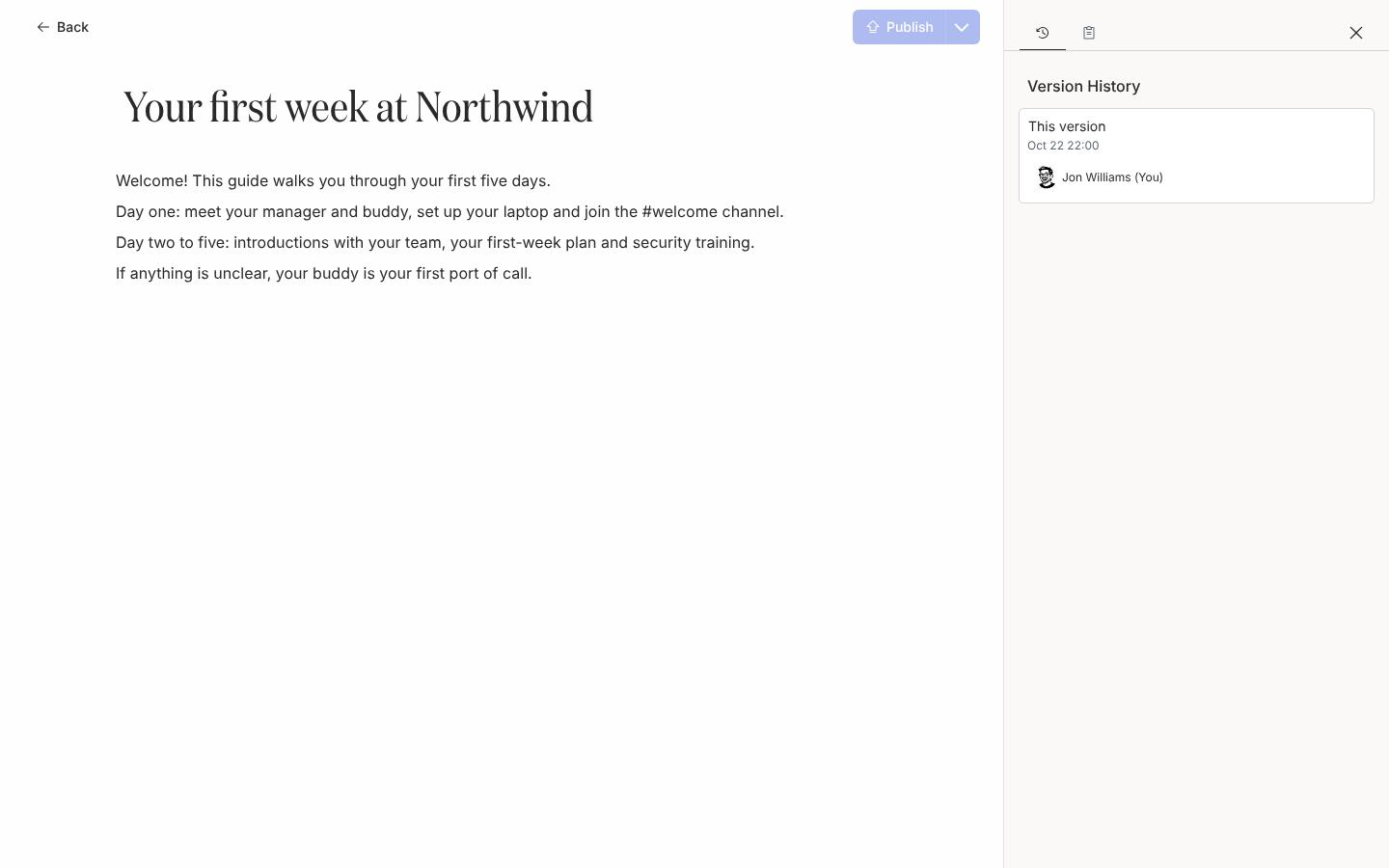
On the right-hand rail select History. Version History lists versions newest first: the open one reads This version, the live one is marked with a dot, and each shows when it was published and by whom.
-
Select the version you want. It opens read-only: the title and body cannot be edited and the header reads Viewing previous version.
-
Check it is the one you want, then select Restore at the top right.
-
The editor returns to the current content with that version’s title and body, and the version is now the published one.
What you should see
Section titled “What you should see”The header no longer reads Draft autosaved, Publish is inactive, and in Version History the dot has moved to the version you restored. Messages that link to the content now open that version.
Related
Section titled “Related”- Publish content for how versions are created.
- Content states and versions for how restore relates to the draft.