

Duplicate an automation
Duplicating is the quickest way to make a variant: the same onboarding sequence for a second country, or a copy of a working flow to experiment on without touching the live one.
Before you start
Section titled “Before you start”- Duplicating needs the admin or owner role.
- The copy carries the steps and the moment but none of the published versions or enrollments. It starts Inactive with changes to publish.
-
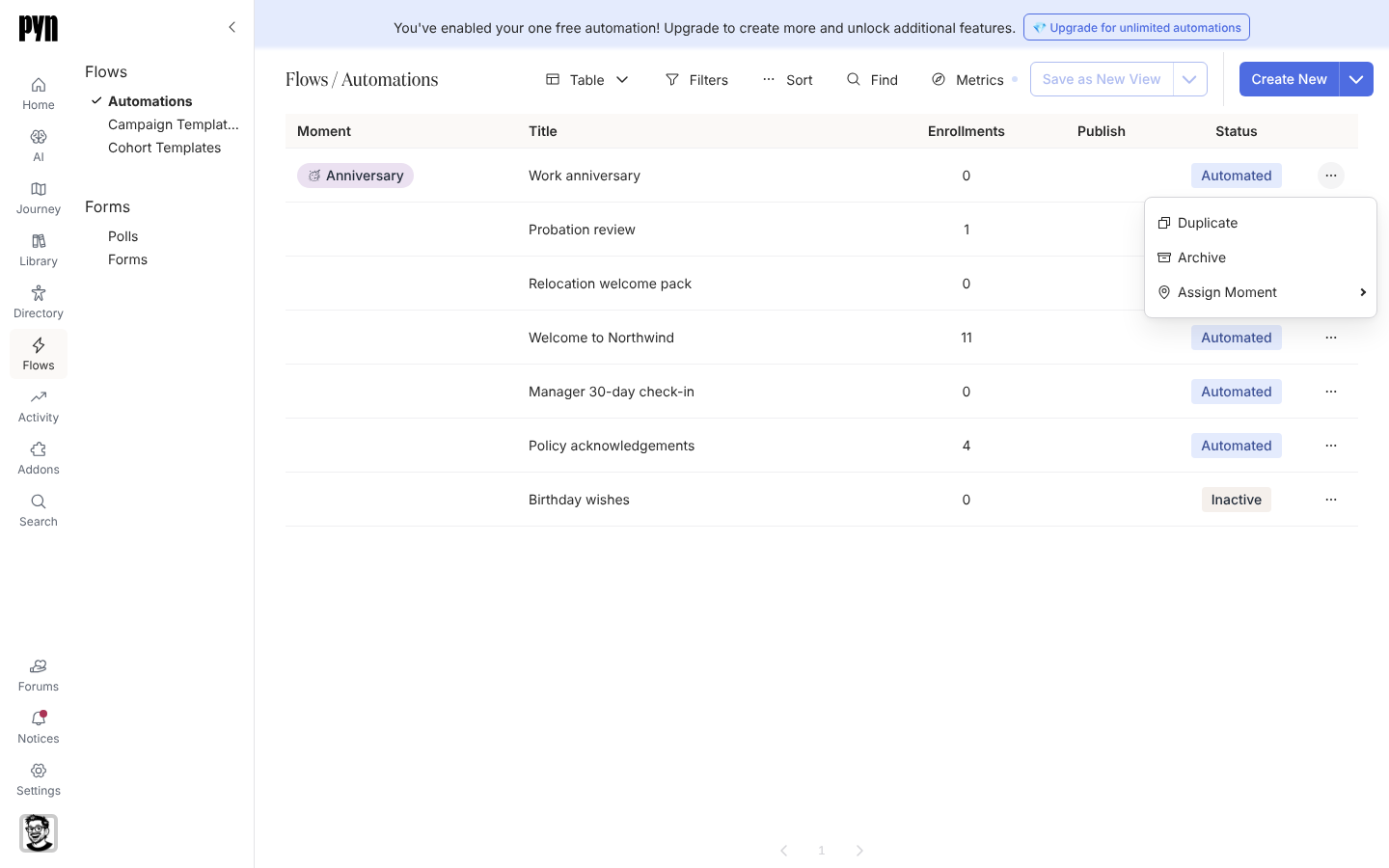
In Pyn, open Flows in the left navigation, then Automations.
-
Open the … menu at the right of the automation’s row and select Duplicate.
-
Pyn creates a copy titled with (copy) after the original title and lists it under the same moment. Select it to open the editor.
-
Rename it, change what differs, then select Publish and use Use This to choose a mode.
What you should see
Section titled “What you should see”A new row whose title ends in (copy), with the Inactive status chip and Required in the Publish column. The original is unchanged and keeps its enrollments.
Related
Section titled “Related”- Publish an automation to make the copy live.
- Change the mode of an automation to pick its mode.
- Archive an automation to retire the original once the copy replaces it.