

Integrations
Integrations bring people data in and send messages out. An HRIS keeps the Directory current; Slack, Teams and email deliver flows; Google Workspace and Microsoft 365 add mailboxes and calendars; Greenhouse and Ashby bring hires in before their start date; Okta and OpenID Connect sign your people in. Every integration is installed from Settings > Integrations > Available and maintained from Installed.
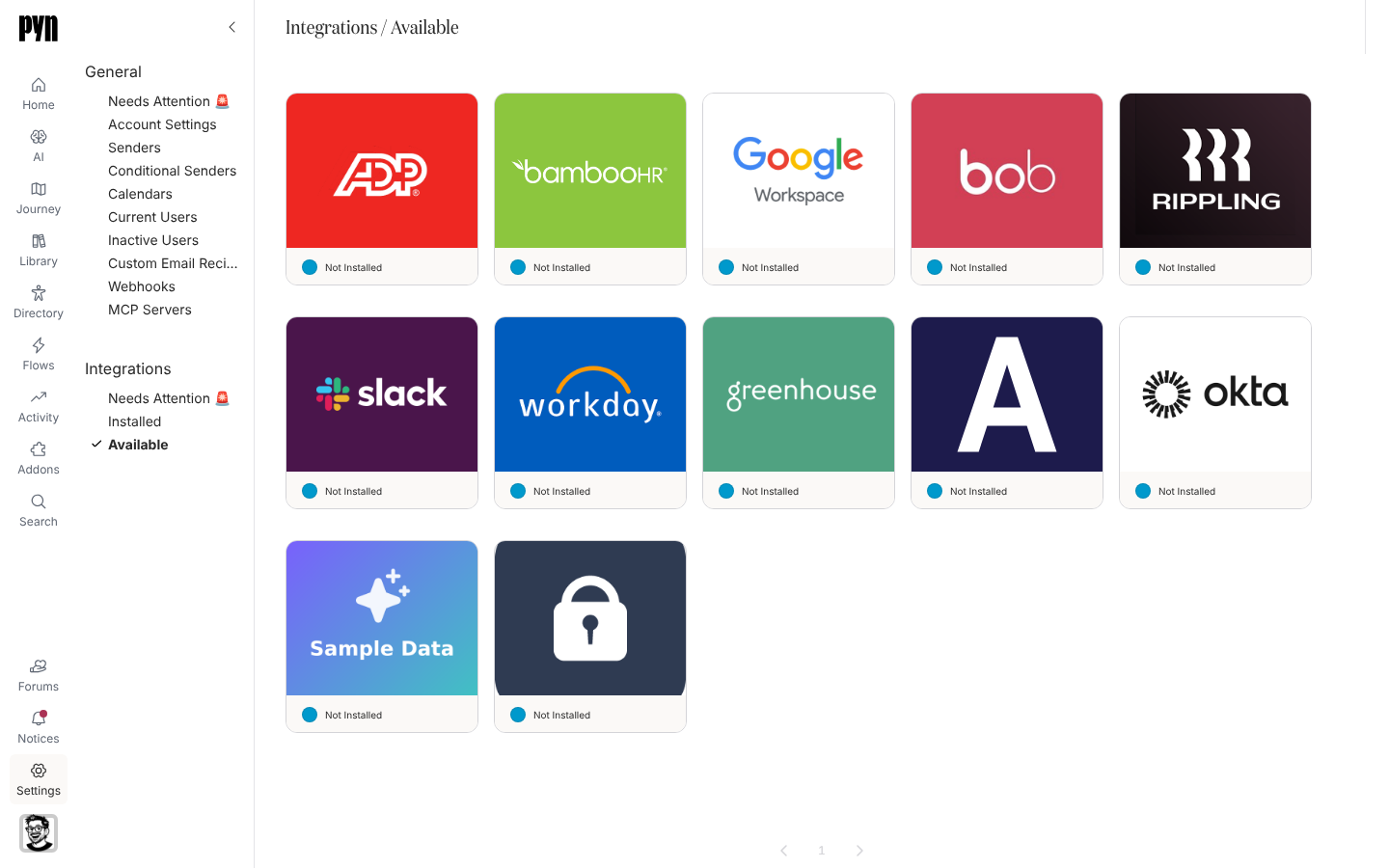
The catalogue
Section titled “The catalogue”| Integration | Category | What it does | Connect with |
|---|---|---|---|
| Slack | Messaging | Direct messages, channel posts and channel invites; personal and bot senders | Slack sign-in (OAuth) |
| Microsoft Teams | Messaging | Direct messages and channel posts in Teams | Early access, set up with Pyn |
| Messaging | Verified email senders, custom domains and bounce handling; installed in every workspace | Nothing to connect | |
| Google Workspace | Messaging, calendar | Gmail senders and Google Calendar invites | Google sign-in per person |
| Microsoft 365 | Messaging, calendar | Outlook senders and Outlook Calendar invites | Microsoft sign-in per person |
| BambooHR | HRIS | Employee sync, change notifications and BambooHR sign-in | Company domain, then BambooHR sign-in |
| HiBob | HRIS | Employee sync including HRBP, buddy and custom fields | HiBob sign-in, or a service user ID and token |
| Rippling | HRIS | Employee sync | Rippling sign-in, or an API key |
| Workday | HRIS | Employee sync from a Report-as-a-Service report | Report URL, username and password |
| ADP Workforce Now | HRIS | Employee sync | Client ID, client secret, certificate and private key |
| Greenhouse | ATS | Hired candidates as upcoming employees | OAuth client ID and secret |
| Ashby | ATS | Hired candidates as upcoming employees | API key |
| Jira | Ticketing | The Raise ticket step | Atlassian sign-in |
| Employee File | HRIS | A spreadsheet as the source of employees | Upload a CSV, XLS or XLSX |
| Sample Data | HRIS | A fictional roster to try Pyn with | One click |
| Okta and single sign-on | Identity | Sign in through Okta or any OpenID Connect provider, with group-to-role mapping | Issuer, client ID and secret |
ADP, Okta, single sign-on, Sample Data and Microsoft 365 appear in Available only when they are enabled for your workspace. Tiles marked Early Access or Waitlist (Lever, Sana, Intercom, Docebo and others) open a request form rather than a connection.
How integrations behave
Section titled “How integrations behave”- Each installed integration is Active, Error or Inactive. Error means it needs attention, usually a reconnect; see Fix a sender or integration that needs attention.
- HRIS and ATS integrations refresh on a schedule and record every run under the panel’s History tab; see Sync cadence and matching.
- The Advanced tab of an HRIS panel lists Fields in Report: which source fields arrived and for how many people. HRIS fields maps them to Pyn’s employee properties.
- Pyn reads from your HRIS and ATS; it never writes back.
Where it is in the app
Section titled “Where it is in the app”Open /settings/integrations/available in Pyn, or open Settings in the primary navigation and select Available under Integrations. Installed integrations are under Installed; ones in error are under Needs Attention 🚨.
Related
Section titled “Related”- Settings > Integrations for the views, tile statuses and shared actions.
- HRIS fields for which fields each source provides.
- Sync cadence and matching for how often Pyn syncs and how it matches people.
- Directory for where synced employees appear.