

Account Settings
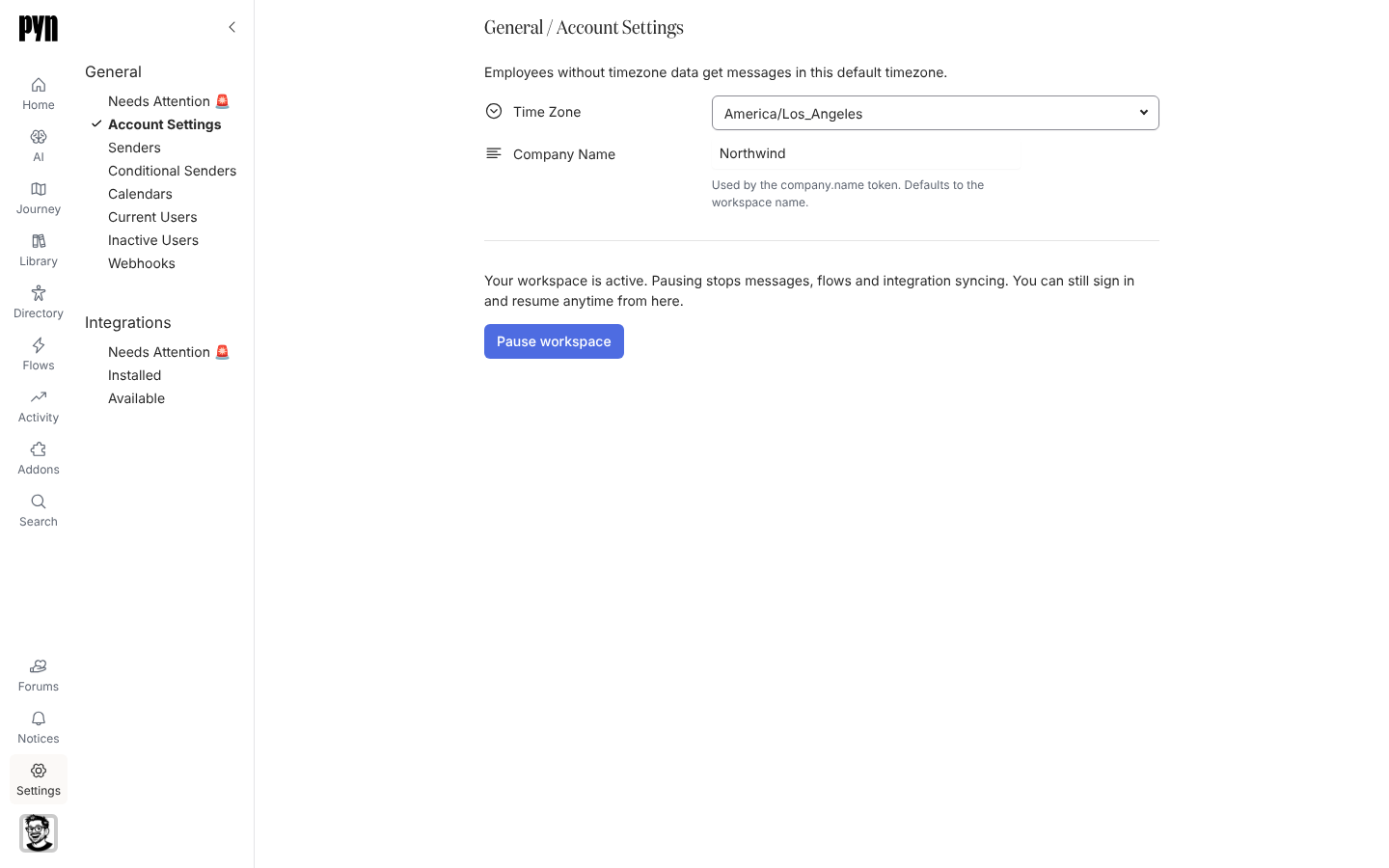
Account Settings holds the details that apply to the whole workspace: the time zone Pyn schedules in when an employee has none, the company name the company.name token inserts, and whether the workspace is paused. Theme, next to it under General, sets the logo, colours and font of the emails Pyn sends.
What you can do here
Section titled “What you can do here”- Set the workspace Time Zone. The page explains it: “Employees without timezone data get messages in this default timezone.” Pick a zone from the list; the field shows Not Set until you do.
- Change the Company Name. It is “Used by the company.name token. Defaults to the workspace name.” The change saves when you leave the field.
- Pause workspace to stop Pyn sending messages, running flows and syncing integrations, and Resume workspace when you are ready. See Pause your workspace.
- In Theme, upload the Logo, choose whether to Show Logo in Emails, and set the CTA Color, CTA Text Color, Link Color, Font Family and Font Size, with a live preview. See Theme your emails.
Every change saves on its own; there is no Save button on either page. Only admins and owners can change these fields.
Where it is in the app
Section titled “Where it is in the app”Open /settings/general/account-settings in Pyn, or open Settings in the primary navigation and select Account Settings under General. Theme is /settings/general/theme, in workspaces that have it.
Related
Section titled “Related”- Pause your workspace to stop and restart sending.
- Theme your emails for the logo and colours.
- General for senders, calendars, users and webhooks.
- Settings for everything else admins configure.