

Trigger a flow from a form submission
A Form Submission trigger ties an automation to one published form. Each completed submission enrols the employee who submitted it, with the submission date as the reference date, so you can follow up on an answer the same day: thank someone for a pulse response, send resources after an interest form, or route a request to the right team.
Before you start
Section titled “Before you start”- The form is published. A form in draft does not appear in the list. See Forms.
- Polls do not trigger flows; only forms do. Test submissions (sent to yourself from the editor) are ignored.
- The principal is the submitter, the person who received the message with the form and answered it. In a manager-facing form the manager is the principal, not the employee the form is about.
-
In Pyn, open Flows in the left navigation, then Automations, and select Create New.
-
Choose Form Submission on the left, open the list that reads No selection and select the form.
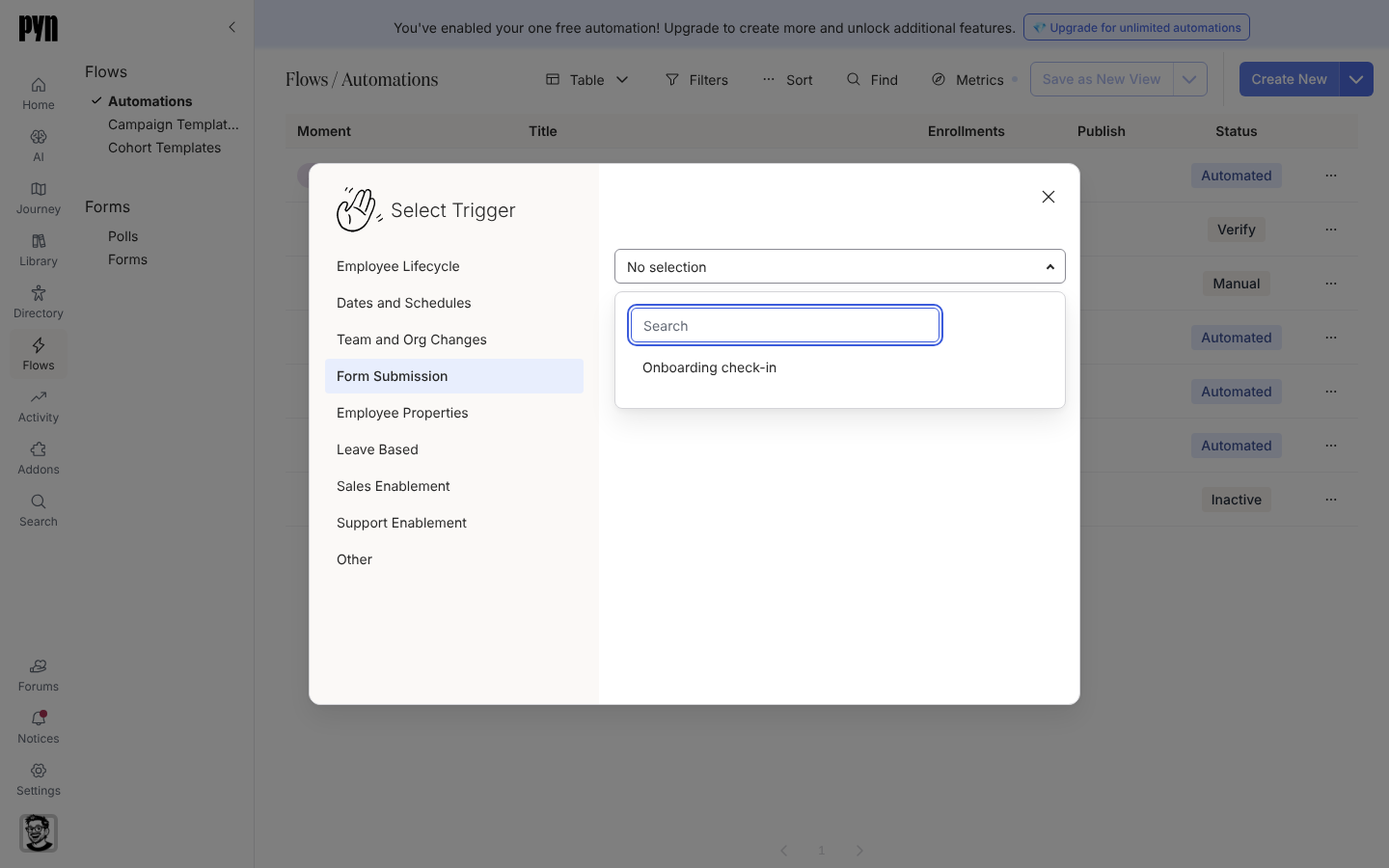
Form Submission ties the automation to one published form. -
Select Done. Pyn creates the automation in Verification mode and titles the trigger Submission: form name.
-
On Configure, the drawer reads “Triggered when a submission is completed for:” followed by the form name. There is nothing else to set on the trigger.
-
Open Audience if only some submitters should be enrolled.
-
Add steps, select Publish, then use Change Mode to move to Automated when you have checked a few enrollments in Needs Review.
What you should see
Section titled “What you should see”Each new submission creates an enrollment under Enrollments titled after the automation, with the submitter as the employee and the submission date as Reference Date. In Verification mode it waits in Needs Review until you select Unpause.
Related
Section titled “Related”- Forms to build and publish the form.
- Change the mode of an automation to move from Verification to Automated.
- Buddy programme for why buddy confirmation uses Buddy Assigned rather than the form trigger.