

Archive a moment
Your map starts with moments that may not apply to you, such as Jury duty or Alumni recruitment. Archiving hides a moment from the board without deleting it; its flows and content stay attached and you can restore it at any time.
Before you start
Section titled “Before you start”- You are a workspace admin.
-
In Pyn, open Journey in the left navigation.
-
Select the moment’s card to open its panel.
-
At the foot of the panel select Archive.
-
In the dialog, which asks Are you sure you want to archive this?, select Archive. The panel closes and the card leaves the board.
Restore a moment
Section titled “Restore a moment”-
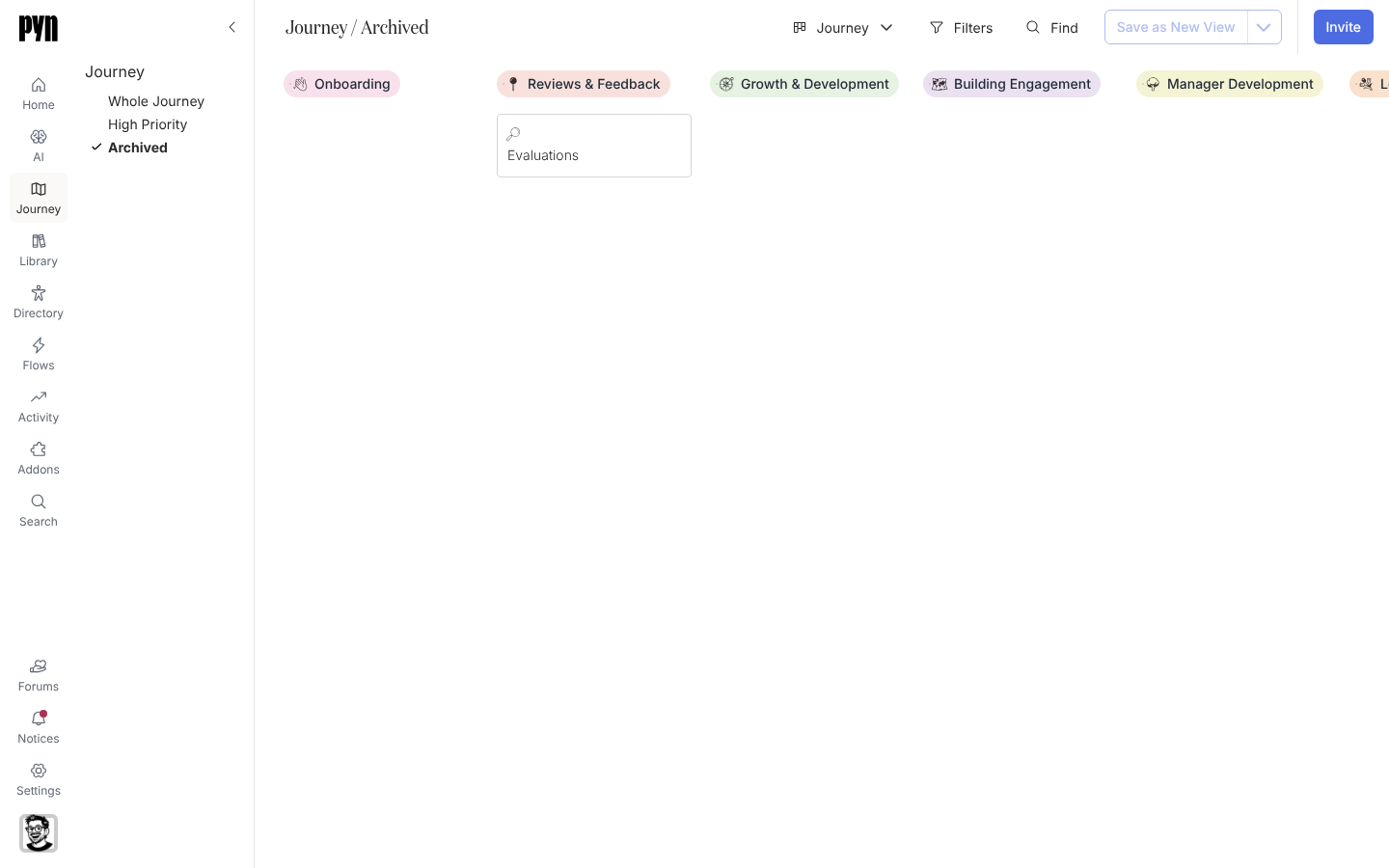
In the left rail select Archived.
-
Select the moment’s card and, at the foot of its panel, select Unarchive. The moment returns to its category on Whole Journey.
What you should see
Section titled “What you should see”On Whole Journey the card is gone and the column has closed up. On Archived the card is listed under its category. Categories themselves are archived the same way from their panel, which hides every moment in them until you unarchive the category.
Related
Section titled “Related”- Reorder moments and categories if the moment belongs elsewhere rather than off the board.
- Save a view to keep a view of only the moments you run.