

Content
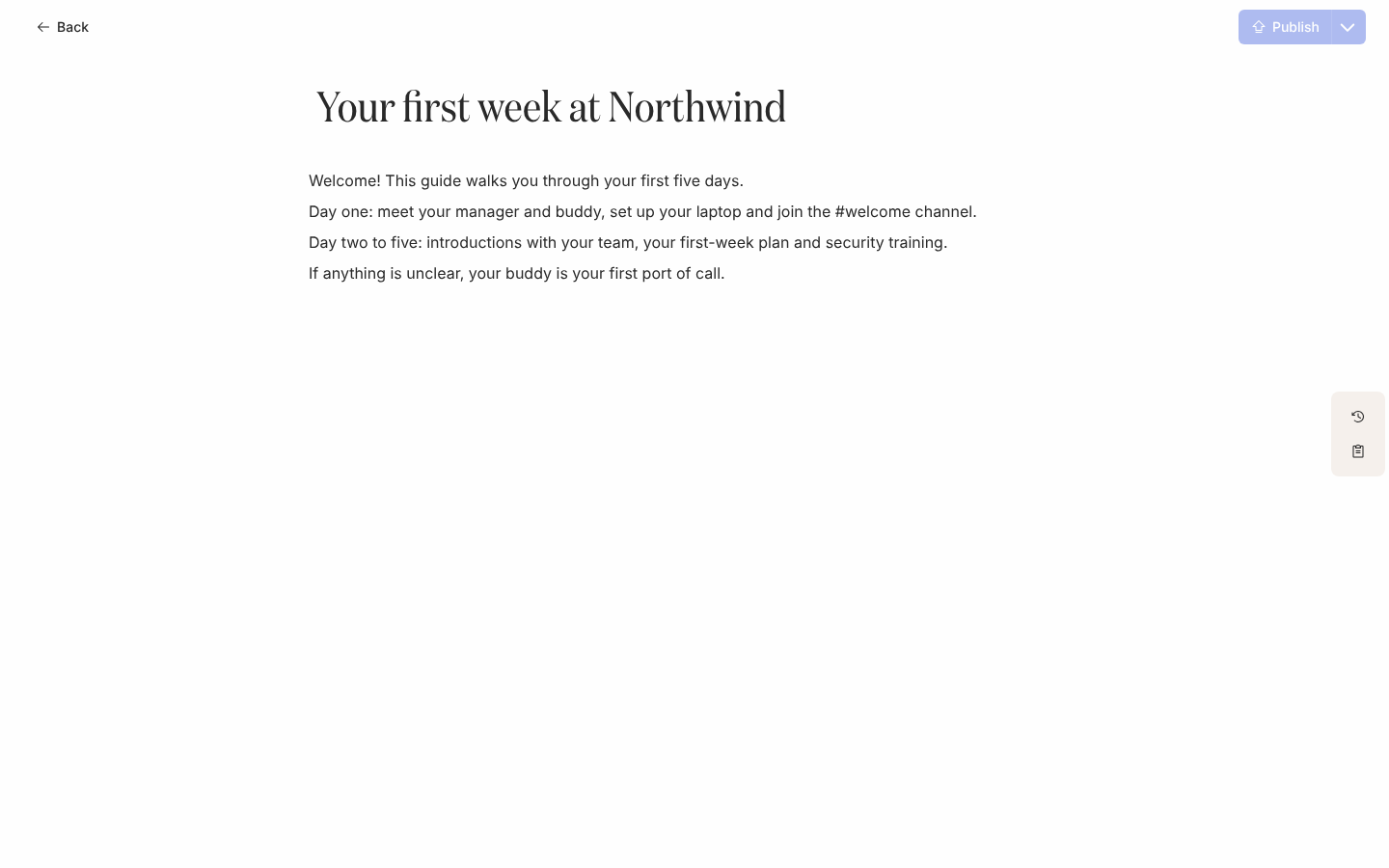
Messages are short; content is where the detail goes. A piece of content has a title and a rich-text body with headings, lists, links, images, video and tokens. A step in a flow links to it with a button, and the employee reads it on a Pyn page in your workspace’s theme.
What you can do here
Section titled “What you can do here”- Create content from scratch or from the template catalogue, and assign it a Journey moment.
- Publish content so the latest draft is what employees see, or discard a draft.
- Restore a previous version from History.
- Archive content you no longer send.
- Find content by title or by moment.
- Link to content from a message with the Link to Library Content widget.
- Content states and versions explains draft, published and previous versions.
Where it is in the app
Section titled “Where it is in the app”Open Library in the left navigation; it opens on Content, on the Everything view. The gallery groups content by Journey moment. Select a card to open the editor at /library/content/<id>, and Back in the editor returns you to the view you came from.
Related
Section titled “Related”- Create content to write your first piece.
- Link to content from a message to send it.
- Media for the images and files content embeds.