

Custom Email Recipients
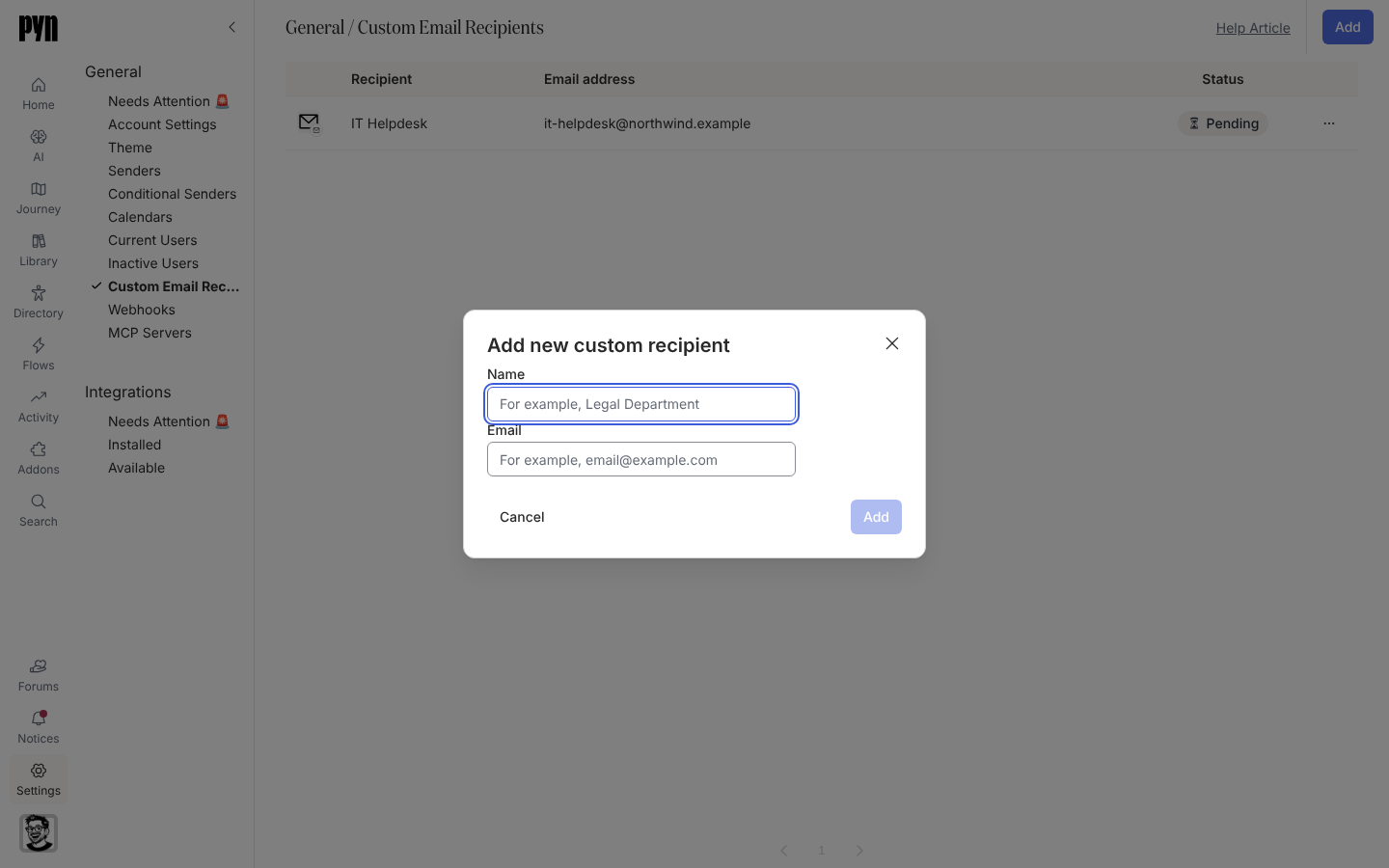
A custom email recipient is an address that is not an employee but should still get a message: the Legal department when a contract changes, the IT desk when someone starts, an external payroll partner. Once verified it can be chosen as a step’s recipient, added to Cc, or named as an escalation target. The address gets the email only; it gets no access to Pyn.
What you can do here
Section titled “What you can do here”- Add a custom email recipient and verify it
- Set a recipient’s Time Zone, used when a step is scheduled in the recipient’s time zone; left as Not Set it falls back to the workspace time zone
- Send Verification Email again from the … menu
- Archive a recipient; steps that referenced it drop it
Statuses
Section titled “Statuses”| Status | Meaning |
|---|---|
| Pending | The verification link has not been opened. |
| Active | Verified and available on steps. |
| Error | A delivery to this address failed in a way that needs attention; it also appears under Needs Attention 🚨. |
Where it is in the app
Section titled “Where it is in the app”Open /settings/general/custom-email-recipients in Pyn, or open Settings in the primary navigation and select Custom Email Recipients under General. The view appears only in workspaces where custom email recipients are enabled.
Related
Section titled “Related”- Add a custom email recipient for the steps.
- Senders for the other side of an email: who it comes from.
- Automations to choose the recipient or Cc on a step.