

Single sign-on
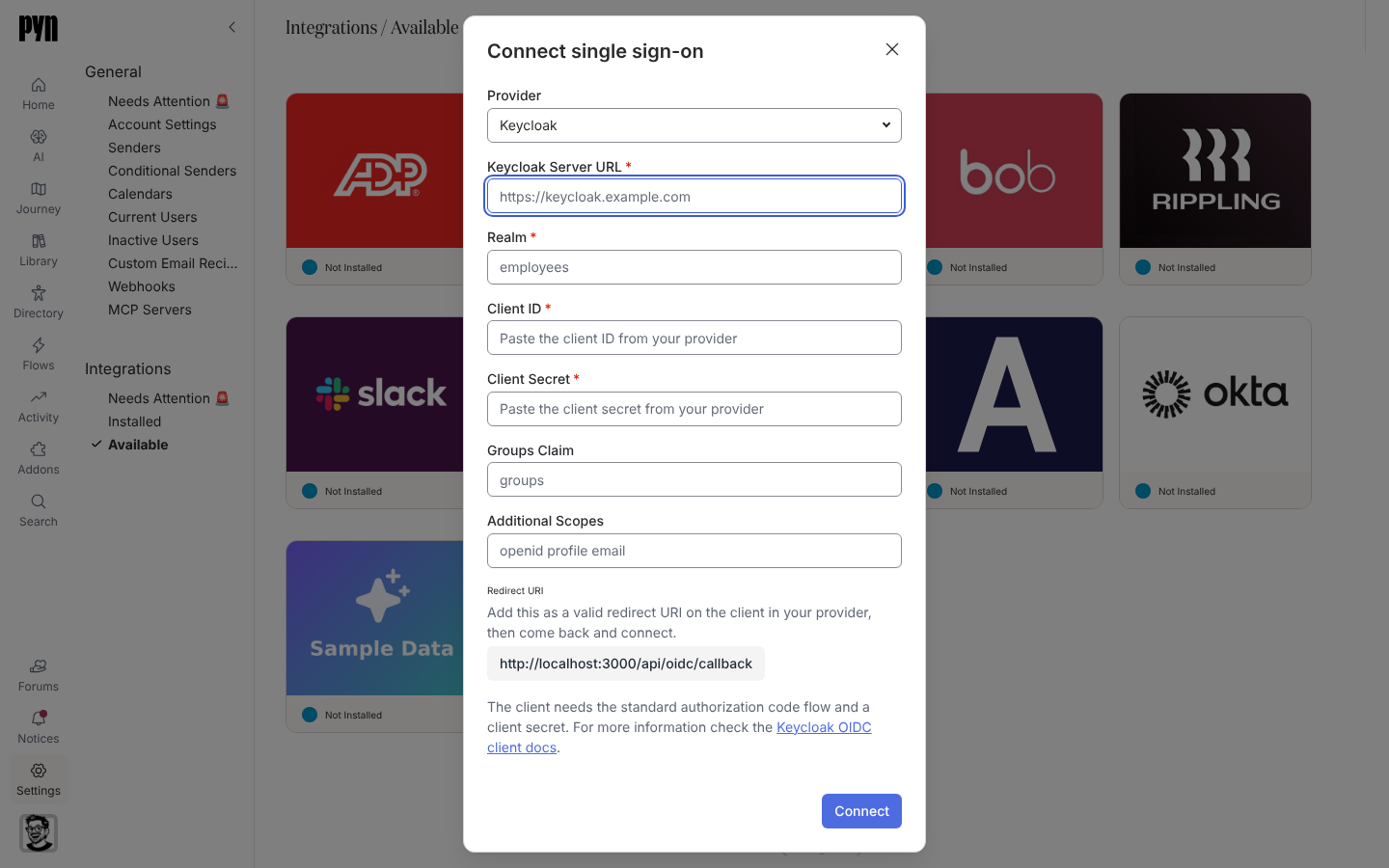
With single sign-on, people reach Pyn through your identity provider instead of a Google, Microsoft or magic-link sign-in. Pyn offers two integrations: Okta, for an Okta OpenID Connect app, and Single Sign-On, for Keycloak, Okta, Microsoft Entra ID, Auth0, Ping Identity or any other OpenID Connect provider. Both can read a groups claim from the token and turn it into a Pyn role.
What you can do here
Section titled “What you can do here”- Connect Okta with an issuer, client ID and client secret
- Connect an OpenID Connect provider, including Keycloak by server URL and realm
- Map groups to roles so your provider decides who is an owner, admin, power user or user
- Share the Sign-in link the integration panel shows, or let people use Continue with SSO on the sign-in page
How roles are mapped
Section titled “How roles are mapped”Each integration has four lists: Owner groups, Admin groups, Power user groups and User groups, each a comma-separated set of group names from your provider’s groups claim. The panel explains the rule: “The most privileged match wins. Once any of these is set, the provider decides roles on every sign-in — someone who matches nothing drops to User — so map the group your owners are in before you fill the rest.” With no mappings set, roles are managed in Users as usual.
Pyn does not create users ahead of time from your provider. A person who signs in through SSO for the first time is created then, with the role their groups map to; otherwise invite them first.
What employees see
Section titled “What employees see”The sign-in page offers Continue with SSO. The person enters their work email and the page explains “Enter your work email address and you will be taken to your organisation’s single sign-on provider.” They sign in there and land in Pyn. Opening the Sign-in link from the integration panel does the same without the email step. A session lasts 24 hours.
Where it is in the app
Section titled “Where it is in the app”Open /settings/integrations/available in Pyn and select the Okta or Single Sign-On tile. Both appear only in workspaces where Pyn has enabled them; ask support@pynhq.com to switch one on.
Related
Section titled “Related”- Connect Okta for the Okta steps.
- Connect an OpenID Connect provider for every other provider.
- Users for what each role can do.
- Sign in for the other sign-in methods.