

Calendars
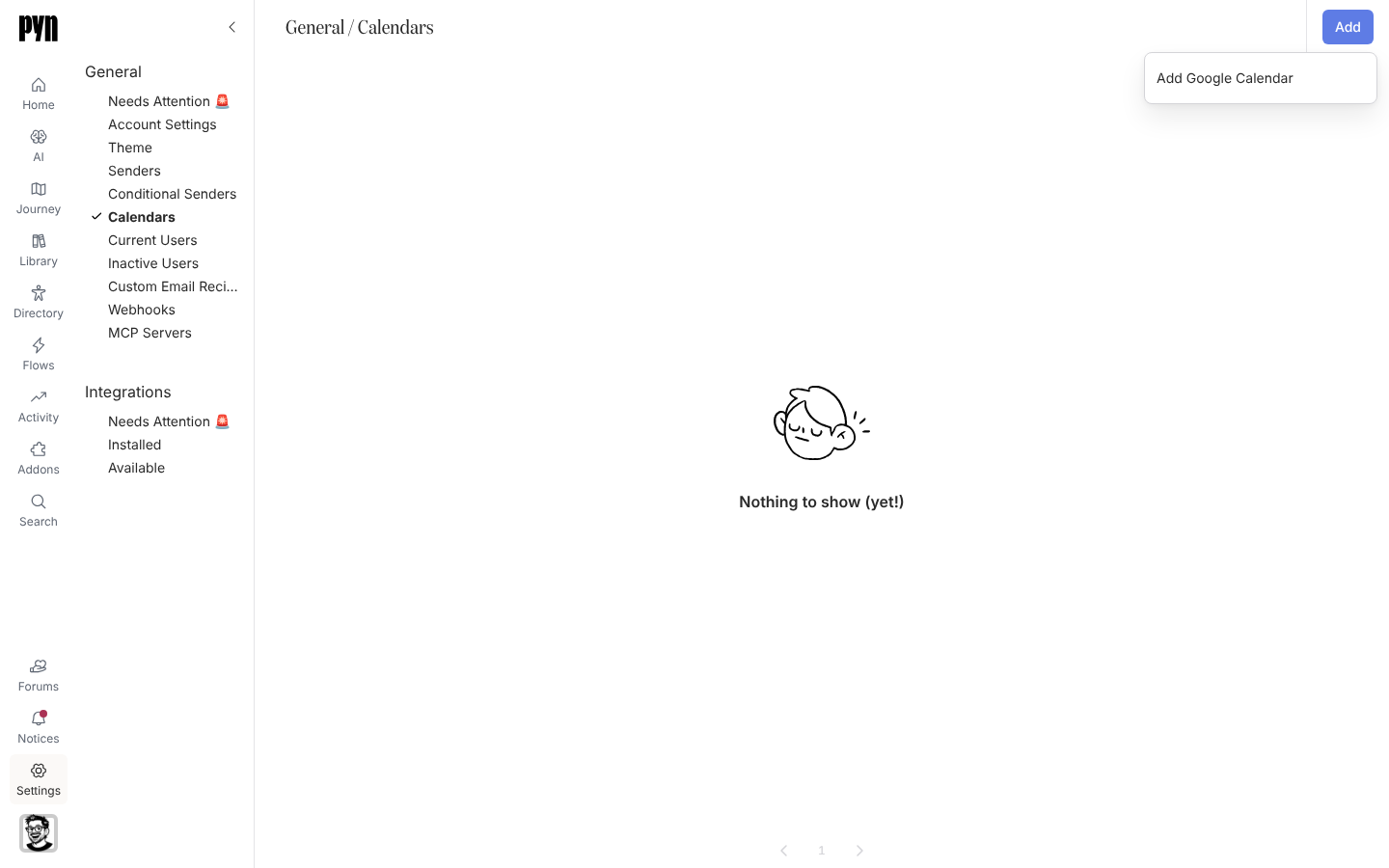
A calendar connection lets a flow invite someone to a real event: the new-starter orientation on their first Monday, the all-hands, a manager’s recurring 1:1. Pyn syncs the events from one calendar you choose and the Invite to calendar event step picks from them. The Calendars view lists each connected calendar with its status and the events Pyn has synced.
What you can do here
Section titled “What you can do here”- Connect a calendar with Add > Add Google Calendar or Add Outlook Calendar
- Open a calendar to see its synced events, each with its next occurrence
- Refresh Events from the … menu to pull changes now
- Reconnect when the calendar shows Requires reauth
- Archive a calendar you no longer need
How syncing works
Section titled “How syncing works”Pyn syncs recurring events from the selected calendar and stores each series with its start, recurrence and time zone. New events appear after the next refresh; use Refresh Events to bring them in sooner. When a series is deleted at the source, steps that used it report Event Not Found. A calendar that was connected but never had a calendar selected shows Inactive and the notice “This calendar needs to be configured. Click below to select which calendar to sync.”
Where it is in the app
Section titled “Where it is in the app”Open /settings/general/calendars in Pyn, or open Settings in the primary navigation and select Calendars under General. The view appears only in workspaces where calendars are enabled; Add Outlook Calendar also needs Microsoft 365 enabled.
Related
Section titled “Related”- Connect a calendar for the steps.
- Google Workspace for the Google side and its permissions.
- Microsoft 365 for Outlook.
- Automations to add an Invite to calendar event step.