

Fix a sender or integration that needs attention
A password changed, a token was revoked or an API key was rotated, and now a sender or integration is in the error state. Pyn collects everything in that state under Needs Attention 🚨, raises a notice, and offers Reconnect in place. There is one Needs Attention view in each Settings group: General for senders, calendars and custom email recipients; Integrations for integrations.
Before you start
Section titled “Before you start”- You are an admin or owner.
- For a personal sender (a Google, Microsoft 365 or Slack account), the person who owns that account has to do the reconnect. If that is not you, send them this guide.
-
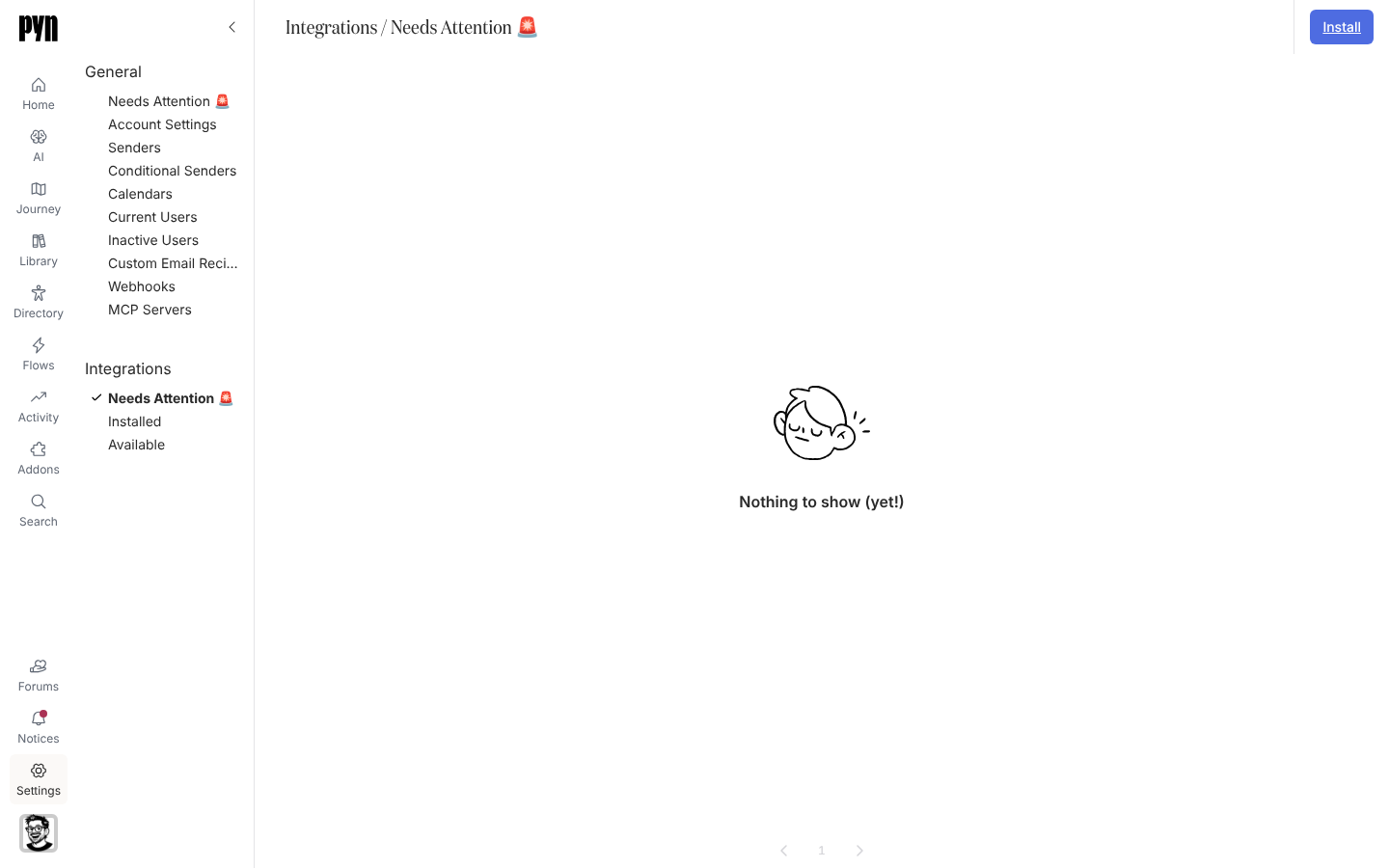
In Pyn, open Settings in the left navigation. Select Needs Attention 🚨 under Integrations for an integration, or under General for a sender, calendar or recipient.
-
Select the item. Its panel opens with a notice explaining the state, for example “This integration is not operational as it requires re-authentication. This can happen if credentials are revoked.”
-
Select Reconnect. For Slack, Google Workspace, Microsoft 365 and Jira this sends you to the provider to sign in again; for BambooHR it repeats the company-domain sign-in; for HiBob, Rippling, Workday, ADP, Greenhouse and Ashby it opens the connect form to enter new credentials.
-
Complete the sign-in or form and return to Pyn.
-
For an integration, open its … menu and select Test Connection to confirm.
What you should see
Section titled “What you should see”The item leaves Needs Attention and shows Active again in Installed or Senders. An integration’s History tab logs the next successful refresh; a sender’s test arrives in your inbox or Slack. If the item stays in error after reconnecting, open History for the reason: “Insufficient permissions” means the account you signed in with lacks access at the source, and “Could not connect” means the credentials were accepted but the source refused the request.
Related
Section titled “Related”- Settings > Integrations for the three views.
- Senders for sender statuses.
- Notices where re-authentication notices arrive.
- Set notification emails to be emailed about them.