

Add an email sender
You want messages to come from a shared address, such as a People team inbox, rather than from one person’s mailbox. An email sender is any address you can prove you control: Pyn sends a verification link to it, and once the link is opened the sender is active.
Before you start
Section titled “Before you start”- You are an admin or owner.
- You can open the inbox of the address you are adding. The verification link goes there and works for 24 hours.
- The Email integration is installed. It is the default in every workspace; check under Settings > Integrations > Installed.
-
In Pyn, open Settings in the left navigation, then Senders under General.
-
Select Add in the top right, then Add Email Sender.
-
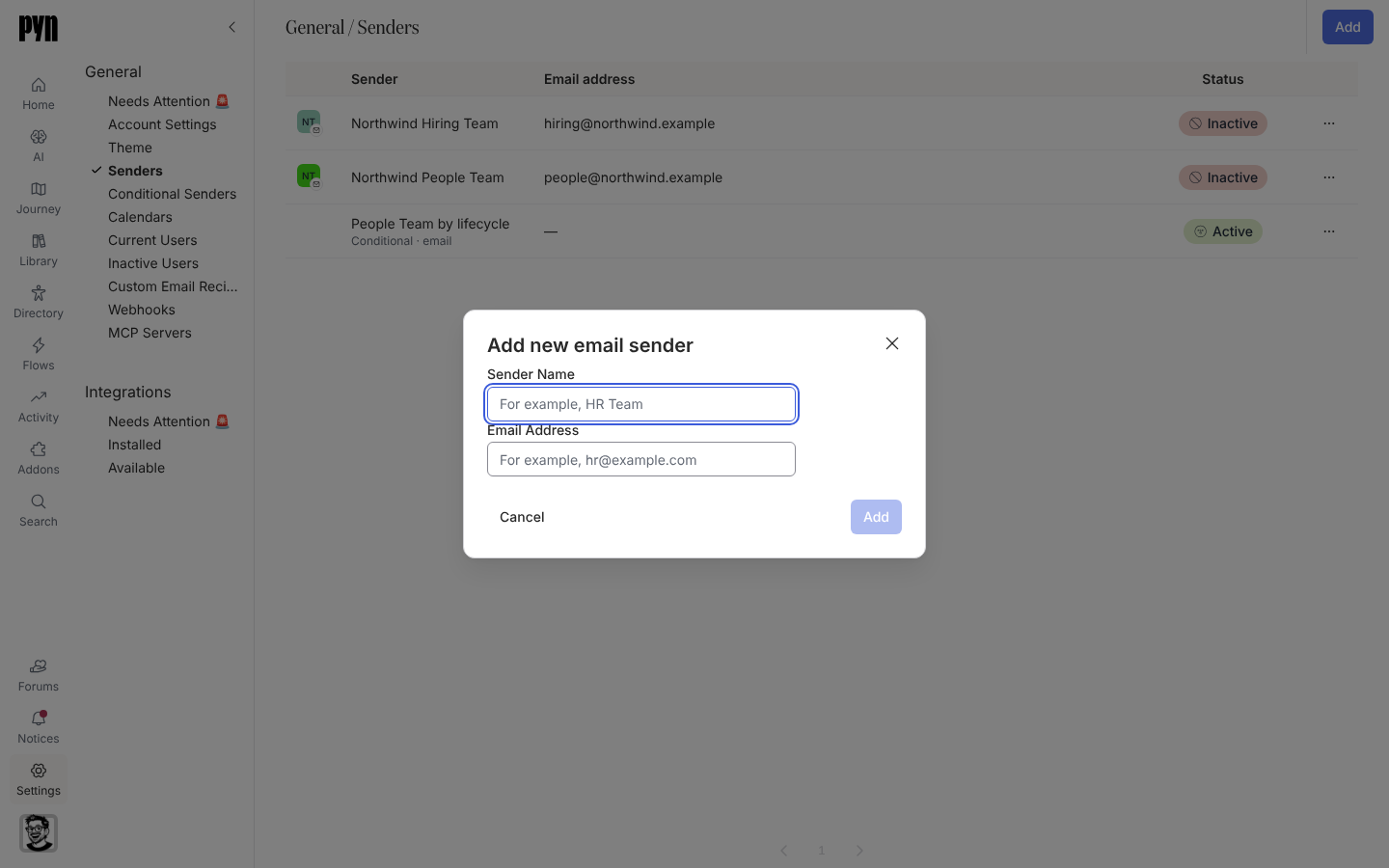
In Add new email sender, enter the Sender Name recipients will see (for example “HR Team”) and the Email Address (for example
hr@example.com). Select Add. -
The sender’s panel opens with the notice “This sender email address has not been verified.” Select Send Verification Email. The notice changes to “Verification email sent! Check your inbox and click the link to verify.”
-
Open the inbox. The email comes from
Pyn <notifications@pynhq.com>. Open its link and confirm the verification in the browser tab that opens. -
Back in Pyn, open the sender’s … menu and select Send Test. “Test Message Sent” confirms it went; check the inbox.
What you should see
Section titled “What you should see”Until the link is opened the row’s Status reads Pending and the panel’s Verified field is false. After verification the status turns Active, Verified is true, and the sender appears in the From list of email steps. If the verification email does not arrive, check spam and any filters on a shared inbox, then use Send Verification Email in the … menu to issue a fresh link; a link that has expired or been used reports “Verification link has expired or already been used”.
Related
Section titled “Related”- Senders for the other sender types.
- Email for the integration behind email senders and custom domains.
- Custom Email Recipients when the address should receive rather than send.