

MCP Servers
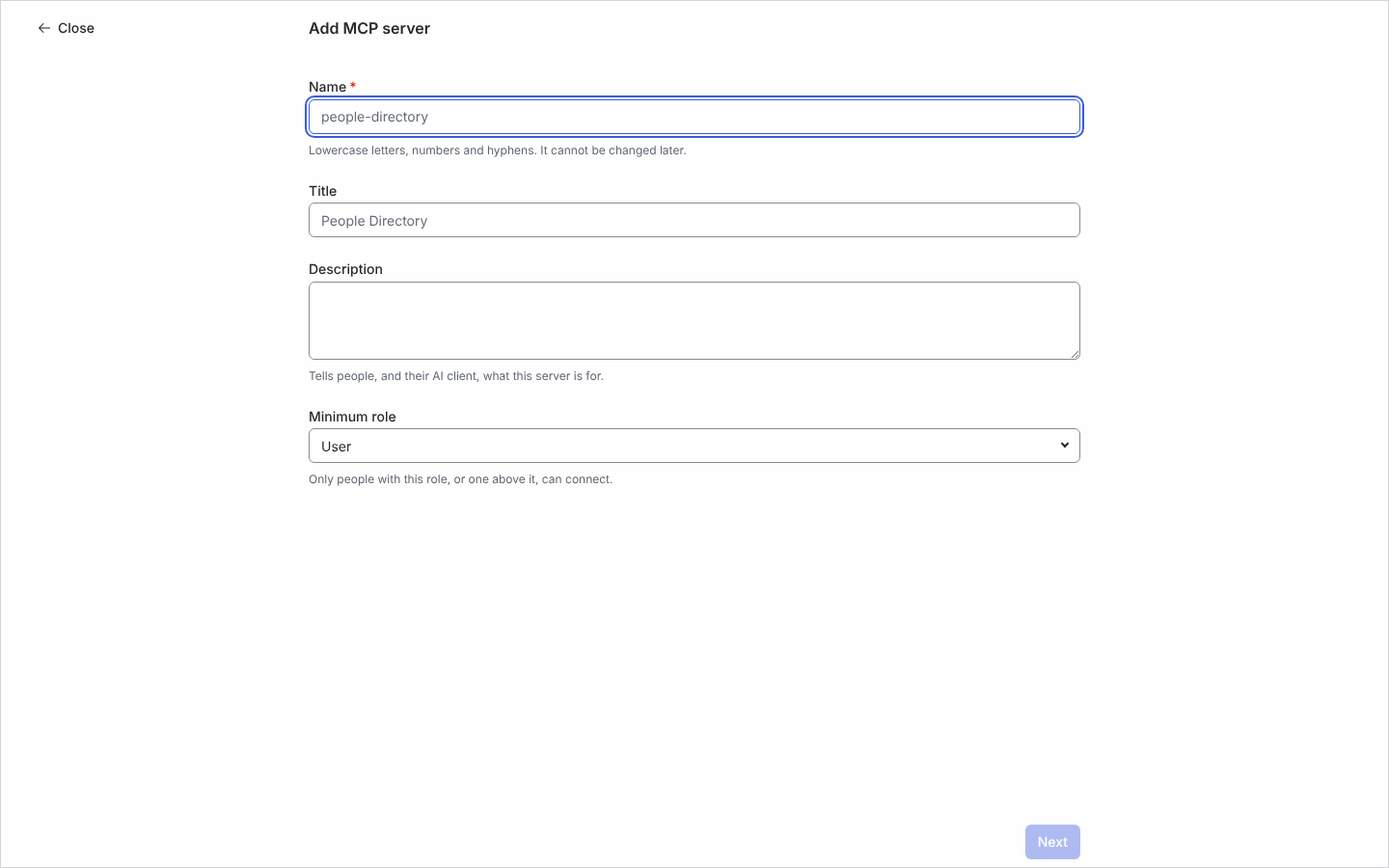
An MCP server is an address an AI client connects to so it can call a set of Pyn operations you have chosen, such as searching the directory or reading an employee’s enrolments. Each server has a name, a title and description the client shows, a Minimum role, and up to 100 operations. Offering an operation never grants access: whoever connects can call only what their own Pyn role already allows, and the same check runs on every call.
What you can do here
Section titled “What you can do here”- Add an MCP server and pick its operations
- Edit a server’s title, description, role and operations; the name cannot change
- Disable a server to refuse every connection, and Enable it again
- Archive a server; its name becomes available again
The MCP Servers table
Section titled “The MCP Servers table”Columns are Server, Endpoint, Minimum Role and Status. A server is Active or Disabled; a disabled server’s panel says “This server is disabled. AI clients are refused until it is enabled again.” Each operation is tagged Reads or Changes data. A connection is a grant between one person and one AI client, so Claude Desktop and Cursor connect, and are revoked, separately.
Where it is in the app
Section titled “Where it is in the app”Open /settings/general/mcp-servers in Pyn, or open Settings in the primary navigation and select MCP Servers under General. The view appears only in workspaces where MCP servers are enabled.
Related
Section titled “Related”- Add an MCP server for the steps.
- AI for Pyn’s own agents and context.
- Users for the roles the minimum role refers to.