

添加 Slack 发件人
你希望一条 Slack 消息来自你,带着你的名字和头像,让收件人可以直接回复你。Slack 发件人就是你自己的 Slack 用户,经过授权让 Pyn 在连接到 Pyn 的 Slack 工作区中代表你发帖。
- Slack 集成已安装,并在 Settings > Integrations 下处于 Active 状态。在此之前,Add Slack Sender 被禁用。
- 你以自己的身份登录了 Pyn。Slack 发件人由用户本人认证,所以每个人连接自己的。
- 如果连接了多个 Slack 工作区,菜单会为每一个列出 Add Slack Sender for,让你选择正确的那个。
-
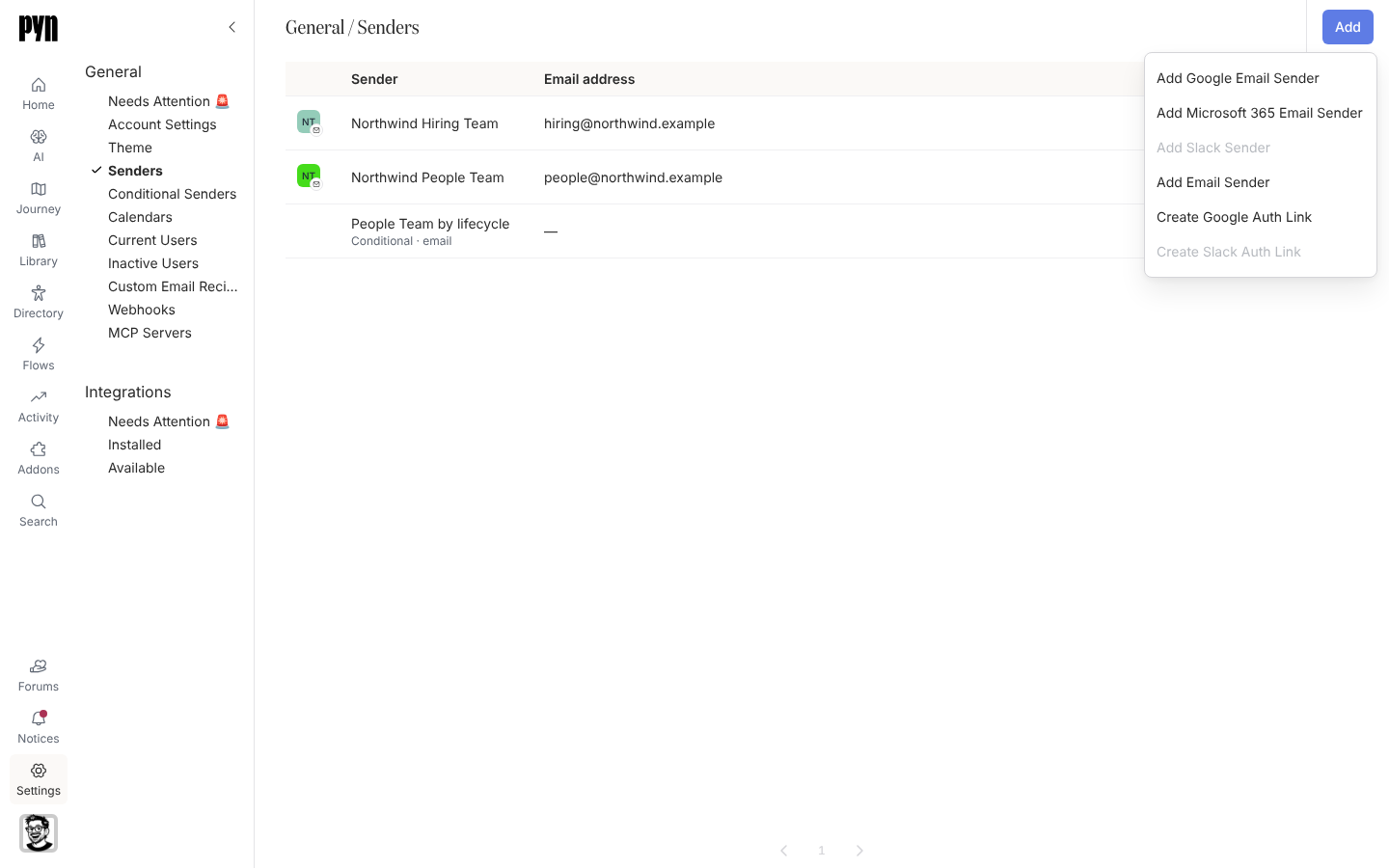
在 Pyn 中,打开左侧导航中的 Settings,然后选择 General 下的 Senders。
-
选择 Add,然后选择 Add Slack Sender。
-
Slack 打开。确认右上角显示的工作区就是连接到 Pyn 的那个,查看权限并选择 Allow。Pyn 针对你的用户请求
channels:read、channels:write.invites、chat:write、groups:read、groups:write.invites、im:read和im:write。 -
Slack 把你送回 Pyn 中的 Senders,新发件人在面板中打开。你的 Slack 名称和头像出现在列表中。
-
打开发件人的 … 菜单并选择 Test Connection。“Test successfully sent. Check your Slack account for the test message.”确认成功。
你应该看到什么
Section titled “你应该看到什么”该行显示 Active,发件人出现在 Slack 步骤的 From 列表中,紧挨着 Pyn Bot。如果该行之后显示 Requires reauth,打开发件人并选择 Reconnect;面板解释“This sender will not be able to send as it requires re-authentication. This can happen if a password is changed or credentials are revoked.” 如果测试报告“Slack appears to be configured, but we could not find you as a Slack Member to send the test message.”,说明你的 Pyn 电子邮件与该工作区中任何 Slack 成员的电子邮件都不匹配。