

暂停工作区
你希望一切暂停一段时间:一次重组正在落地、一个发件人需要换掉,或者你正在清理目录。暂停工作区一步就能停止消息、流程和集成同步,恢复则让它们重新开始。
- 你是管理员或所有者。暂停控件只对这些角色显示。
- 由 Pyn 暂停的工作区只能由 Pyn 恢复;如果是这种情况,页面会告诉你。
-
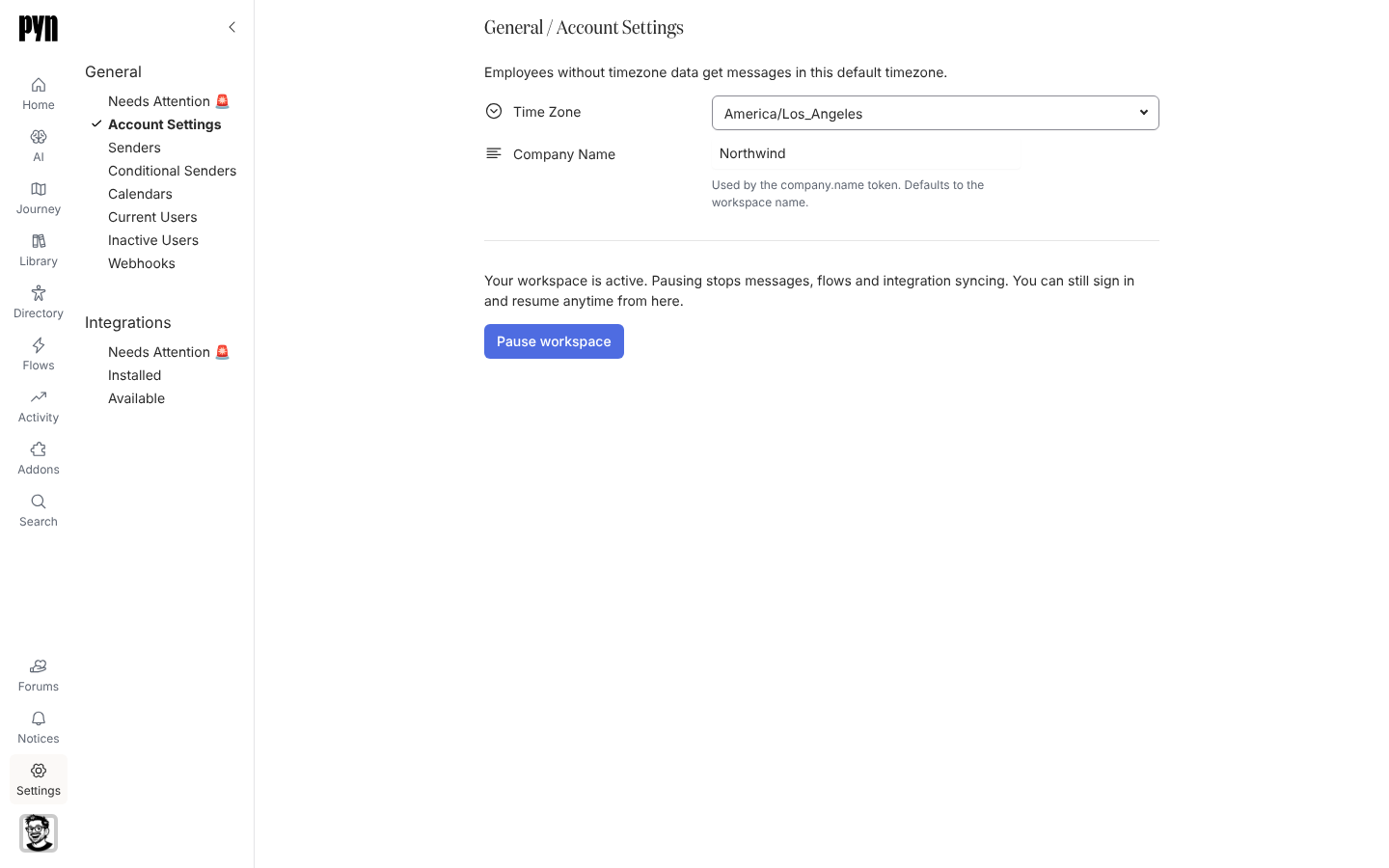
在 Pyn 中,打开左侧导航中的 Settings,然后选择 General 下的 Account Settings。
-
查看字段下方的状态。活跃的工作区显示“Your workspace is active. Pausing stops messages, flows and integration syncing. You can still sign in and resume anytime from here.”
-
选择 Pause workspace。
-
确认框说明 Pyn 会立即停止发送消息、运行流程和同步集成,并且你随时可以在同一位置恢复。选择 Pause workspace 确认。
-
Pyn 处理期间按钮显示 Pausing…,然后变为 Resume workspace。
-
准备好后,选择 Resume workspace 并确认。对话框显示“Pyn will start sending messages to your employees, running flows and syncing your integrations again.”
你应该看到什么
Section titled “你应该看到什么”暂停期间,状态显示“Your workspace is paused. Pyn is not sending messages to your employees, running flows or syncing your integrations. Resume it to start them again.” 注册下不会出现新内容,集成的刷新时间停止变化。恢复后,已排期的步骤重新开始,集成按正常节奏刷新。