

恢复以前的版本
一次发布带着错误发了出去,或者你想找回上个季度的措辞。每次发布都作为一个版本保留,所以你可以阅读其中任何一个,并把它重新上线。
- 你是工作区管理员。
- 这篇内容发布过不止一次;否则 Version History 只有一个条目。
-
在 Pyn 中,打开左侧导航中的 Library,并选择该内容打开编辑器。
-
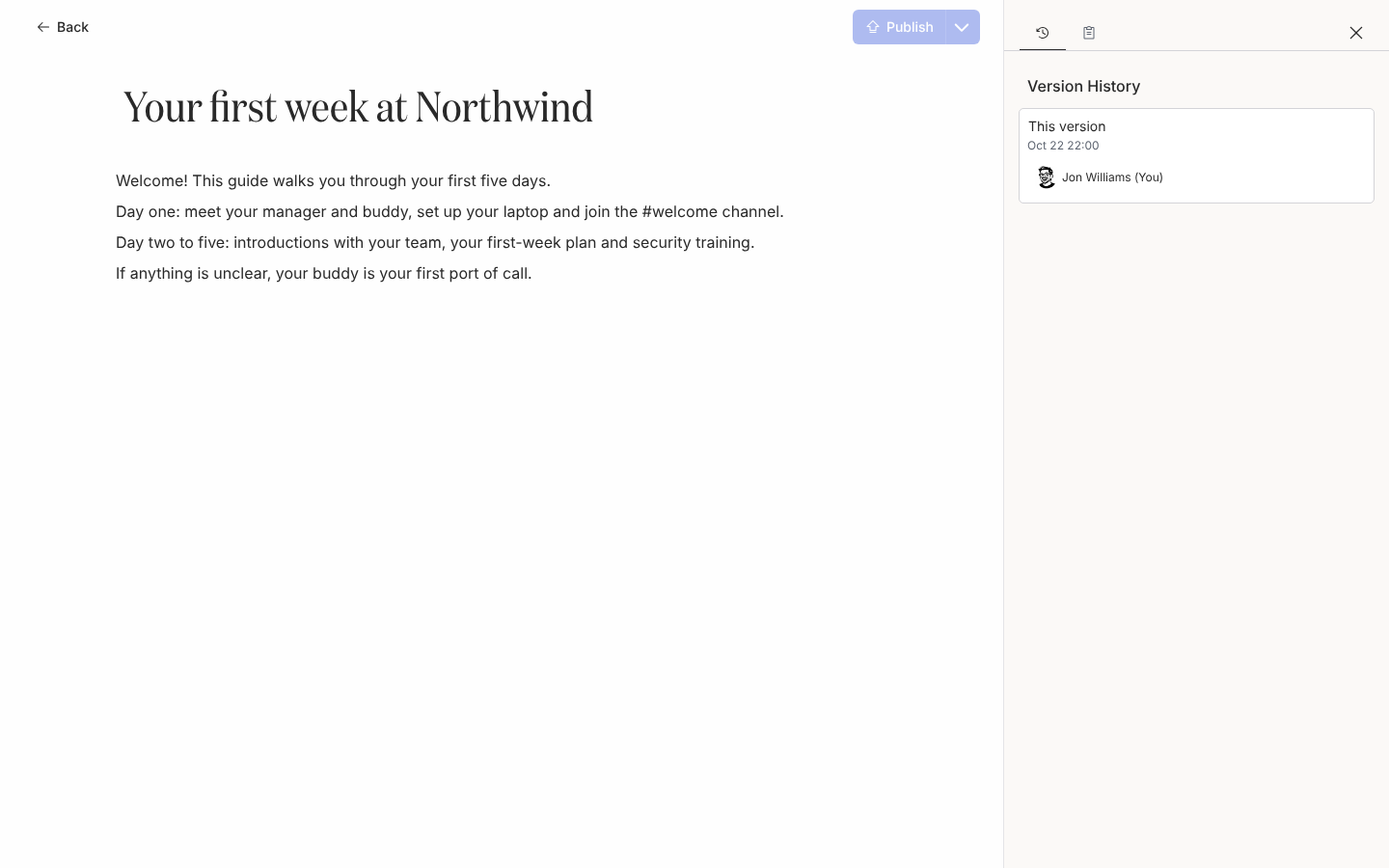
在右侧栏选择 History。Version History 按最新在前列出版本,每个版本带有发布时间和发布者。从编辑器打开时,上线的版本显示 This version;更早的版本显示 (No Description Provided),或者显示发布时给出的描述。
-
选择你想要的版本。它以只读方式打开:标题和正文不能编辑,页眉显示 Viewing previous version。选择一个版本会关闭侧面板;再次打开 History,上线的版本显示 Published 并带有圆点。选择上线的版本会带你回到编辑器。
-
确认这是你想要的版本,然后在右上角选择 Restore。
-
编辑器回到当前内容,带着那个版本的标题和正文,该版本现在是已发布的版本。
你应该看到什么
Section titled “你应该看到什么”页眉不再显示 Draft autosaved,Publish 不可用,在 Version History 中你恢复的版本现在显示 This version。链接到这篇内容的消息现在打开那个版本。