

员工
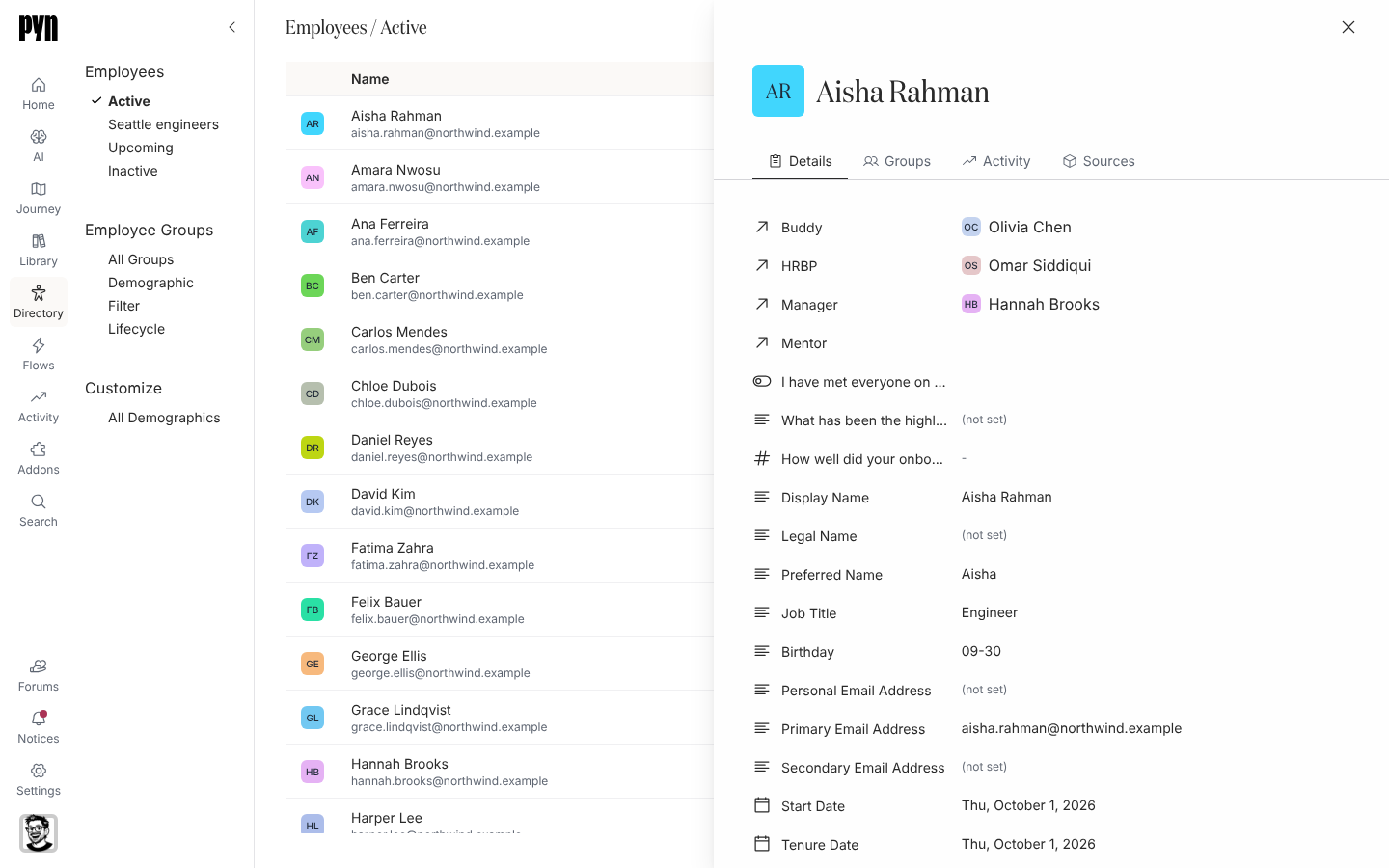
Employees 是 Pyn 发送的对象名单。每一行是一个人,无论有多少个系统知道他们;Pyn 根据他们的日期和状态算出生命周期阶段,并把他们归入 Active、Upcoming 或 Inactive。选择一行打开个人资料:他们的详细信息、所属的群组、他们的注册和投递,以及构成该记录的来源。
| 视图 | 谁在其中 |
|---|---|
| Active | 阶段为 Current Active Employee:已入职、未离职且未被标记为非活跃。 |
| Upcoming | 阶段为 Upcoming Joiner:入职日期在未来。这个视图有 Add employee 按钮。 |
| Inactive | 阶段为 Terminated:离职日期已过、被优先级最高的来源标记为非活跃、只有 Slack、Microsoft Teams、Greenhouse 或 Ashby 知道,或者已从来源中移除。 |
来源的休假状态在记录上显示为 Active status: On Leave;它不会把此人移出 Active。
表格显示 Name(附工作电子邮件,或在尚无工作电子邮件时以斜体显示个人电子邮件)、Country 和 Time Zone。在视图类型菜单中切换到 Gallery 可以看到卡片。Find 搜索姓名;Filters 提供 Primary Country、Time Zone、Active status、Lifecycle 和其他选择型属性。Department 等自由文本字段不是筛选项。
你可以在这里做什么
Section titled “你可以在这里做什么”- 查找员工,用 Search、Find 或筛选器。
- 阅读员工个人资料:详细信息、群组、活动和来源。
- 添加即将入职的员工,适用于此人尚未进入你的 HRIS 的情况。
- 从电子表格上传员工,一次加载或更新许多人。
- 修复缺失的经理、时区或电子邮件。
- 导出员工为 CSV。
- 员工属性列出每个字段,以及阶段和时区是如何算出的。
在应用中的位置
Section titled “在应用中的位置”打开左侧导航中的 Directory;它默认打开 Active。Upcoming 和 Inactive 在左侧的 Employees 下。个人资料在 /directory/home 右侧以面板打开。