

人口统计属性
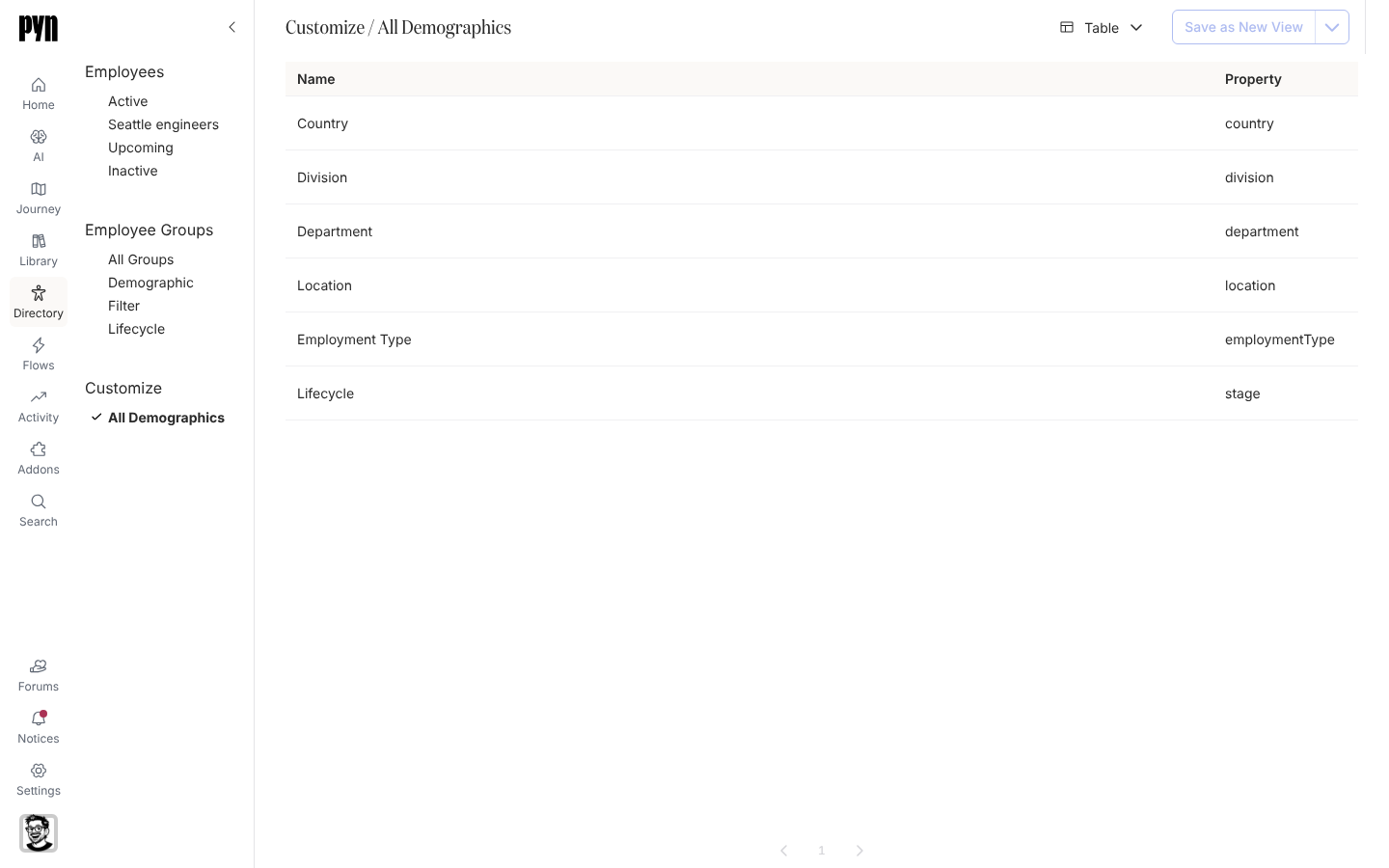
Country、Division、Department、Location、Employment Type 和 Lifecycle 从工作区创建那天起就是人口统计属性:Pyn 读取每位员工的值,并为每个值保留一个群组,所以只要有一位工程师,Department: Engineering 就存在。Customize 下的 All Demographics 列出它们和你添加的任何人口统计属性,以及每一个所读取的属性。
你可以在这里做什么
Section titled “你可以在这里做什么”在应用中的位置
Section titled “在应用中的位置”打开左侧导航中的 Directory,选择 Customize 下的 All Demographics。表格显示 Name 和 Property。选择一行打开它的面板:属性键和 Demographic Groups,每个出现过的值一个群组(首次评估之前显示 No demographic groups yet)。新的人口统计属性从 Employee Groups > Create > Demographic 创建。